Loading video…
All breakouts
 Claude Codeseen in 193 videos →https://www.skool.com/no-code-automation-9166/about ↗
6.4App DemoBefore / After hook
Hook
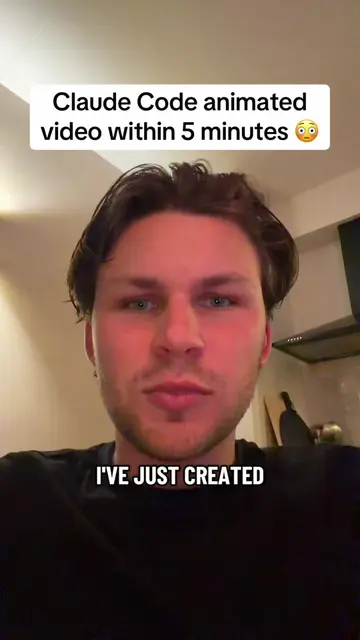
Claude Code website within 5 minutes 😳
@rickbenn.ai
26.9K followers · usually 1.6K views a post
Views
9.4K
Likes
296
Comments
8
Shares
29
Selling · SaaS › AI Tool
Why it worked
The video demonstrates a quick and seemingly effortless way to create a website using AI, appealing to users interested in no-code solutions and AI tools. The use of a specific, named AI tool (Claude Code) and a clear, step-by-step demonstration makes the process easy to follow and replicate.
Summary
This video demonstrates how to create a website using Claude Code in under 5 minutes. It guides viewers through signing up for Claude Pro, downloading Visual Studio Code, installing the Claude Code extension, and then using the extension to generate a website based on a provided skill file.
Structure
- 1Introduction to creating a website with Claude Code
- 2Signing up for Claude Pro and downloading VS Code
- 3Installing the Claude Code extension
- 4Finding and installing a specific skill (frontend-design)
- 5Generating the website using Claude Code
Original caption
I have just created a full website with Claude Code within 5 minutes #claude #claudecode #ai #claudecodetips #claudecodedesign
More from @rickbenn.ai
Their other posts in the index, biggest breakout first.