Loading video…
All breakouts
 Claude Codeseen in 193 videos →
6.4Talking HeadStory Open hook
Hook
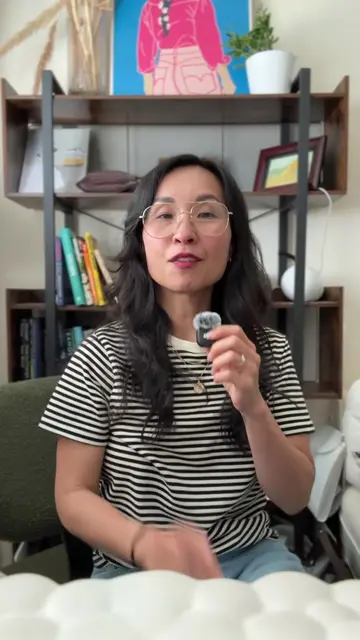
So here's one small thing
@thinkwithv
31.7K followers · usually 718 views a post
Views
4.6K
Likes
356
Comments
31
Shares
26
Selling · SaaS › AI Tool
Why it worked
The video provides a practical and actionable tip for a popular AI tool, addressing a common user pain point (multitasking and learning) in a concise and relatable manner, encouraging engagement through a question.
Summary
The creator shares a tip for using Claude Code: the '/btw' command which opens a side chat. This allows users to continue interacting with Claude while it processes a task, making it useful for multitasking and learning new terminology without disrupting the main workflow.
Structure
- 1Introduce a helpful Claude Code tip
- 2Explain the '/btw' command and its function
- 3Demonstrate its utility for multitasking and learning
- 4Highlight its benefit for non-technical users
- 5Encourage audience engagement
Product placement
The video demonstrates the use of the '/btw' command within the Claude Code interface, showing how to open a side chat.
Call to action
Drop it below.
Original caption
There's a Claude Code command I use constantly that almost nobody talks about. It's called /btw. Opens a side chat so you can keep talking to Claude while it processes. I use it as a study buddy — learning grep, bash commands, whatever comes up in the main chat. You don't need glitzy things for meaningful change. Are you a reactive Claude Code user — see something and go 'wait, what about this?' Drop it below. #ClaudeCode #AItools
More from @thinkwithv
Their other posts in the index, biggest breakout first.