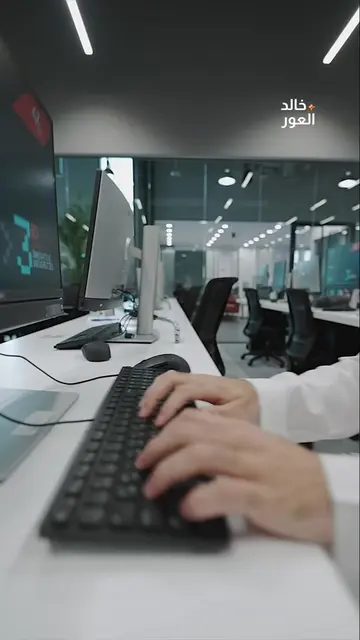
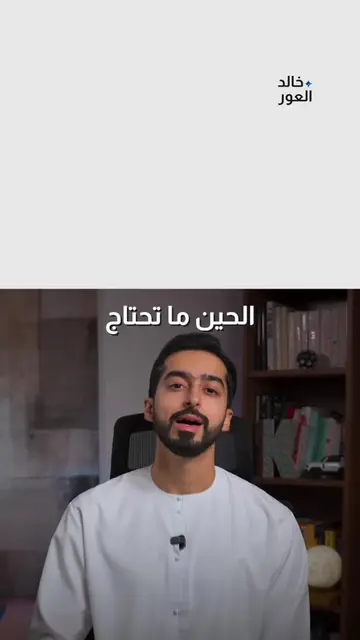
Loading video…
All breakouts
 Claudeseen in 998 videos →
3.0Talking Head
Hook
إذا للحين
@khalidalawar.ai
77.3K followers · usually 21.1K views a post
Views
61.8K
Likes
3.2K
Comments
43
Shares
591
Selling · SaaS › AI Tool
Why it worked
The video provides a clear, actionable, and time-saving method for website creation using AI tools, appealing to creators and entrepreneurs looking for efficient solutions.
Summary
The video explains a four-step process for building a professional website quickly and efficiently using AI tools. It suggests starting with brand inspiration, using AI to generate design elements and website code, and finally deploying the site using Vercel.
Structure
- 1Start with brand inspiration, not code.
- 2Use AI tools like Firecrawl and Claude for design and content generation.
- 3Generate images and videos with AI.
- 4Build the website using AI and deploy it with Vercel.
Product placement
Wordpress: A content management system used for building websites. It appears on screen. It acts as a substrate.
Templets: Website templates used for building websites. They appear on screen. They act as a substrate.
Firecrawl: A tool for extracting data from websites. It appears on screen and is used to extract colors. It acts as a subject.
Claude: An AI assistant used for generating text and images. It appears on screen and is used to generate descriptions and build websites. It acts as a subject.
Nano Banana Pro: An AI image generation tool. It appears on screen and is used to generate images. It acts as a subject.
Nexa Digital Agency: A digital agency that builds websites. It appears on screen. It acts as a substrate.
Candelé: A website selling chandeliers. It appears on screen. It acts as a substrate.
Anyvan: A moving company. It appears on screen in a video. It acts as a substrate.
Vercel: A platform for deploying web applications. It appears on screen and is used for deploying websites. It acts as a subject.
Github: A platform for hosting code and version control. It appears on screen and is used for hosting websites. It acts as a substrate.
Original caption
اذا للحين تسوي مواقع من غير الذكاء الاصطناعي، تعال اخبرك عن ٤ خطوات تخليه يساعدك ١. شوف التصميم اللي يعجبك والالوان من firecrawl ٢. اطلب وصف ارشادي من كلود عشان يطلع لك صورة في nano banana pro ٣. قول حق كلود يبني لك الموقع كامل ٤. ارفعه باستخدام vercel وبس صار عندك موقع احترافي ارسلها للي بيستفيد #الذكاء_الاصطناعي #تصميم_مواقع #webdesign #ai
More from @khalidalawar.ai
Their other posts in the index, biggest breakout first.