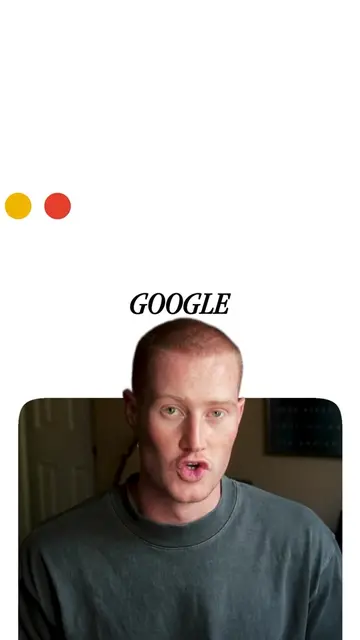
Loading video…
All breakouts
 Claude Codeseen in 193 videos →
3.6Talking Head
Hook
CLAUDE CODE
@brockmesarich
21.6K followers · usually 2.3K views a post
Views
8.0K
Likes
292
Comments
37
Shares
54
Selling · SaaS › AI Tool
Why it worked
The video effectively showcases a practical and time-saving feature of an AI tool, making complex tasks simple for the user. The clear demonstration and a direct call to action encourage engagement and potential adoption.
Summary
This video demonstrates how Claude Code simplifies the process of installing and managing AI skills. It highlights that users can now easily add skill folders to their directory, and Claude will automatically pick them up, making the process ten times easier.
Structure
- 1Introducing Claude Code for easier skill installation
- 2Demonstrating the drag-and-drop functionality
- 3Explaining the auto-load and reload commands
- 4Showcasing the benefits of using 30+ skills
- 5Call to action to comment 'AUTO' for installation guide
Product placement
Claude Code: ACTS - it is a tool that makes installing skills easier. Removing it would change what happens in the video.
Claude AI: APPEARS - it is mentioned as the creator of Claude Code. Removing it would not change what happens in the video.
Original caption
Claude Code just made installing skills ten times easier. Now you drop a skill folder into your .claude directory and Claude picks it up automatically. Type /reload-skills and your new tools are live. #claudecode #claudeskills #claudeai #aiproductivity #aitools #aifornontechies #ai2026
More from @brockmesarich
Their other posts in the index, biggest breakout first.