Loading video…
All breakouts

5.8App DemoHow-To hook
Hook
TUTORIAL ON THIS
@hgeb80169188
40.9K followers · usually 2.6K views a post
Views
15.1K
Likes
194
Comments
18
Shares
31
Why it worked
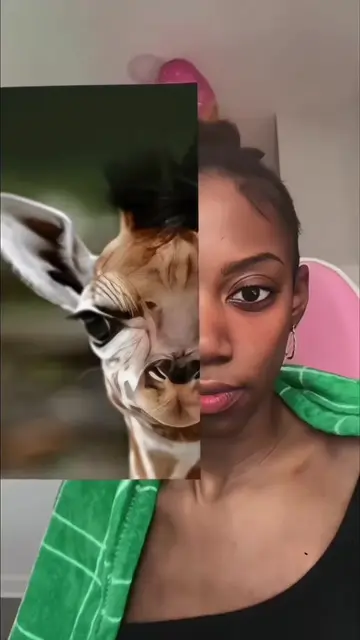
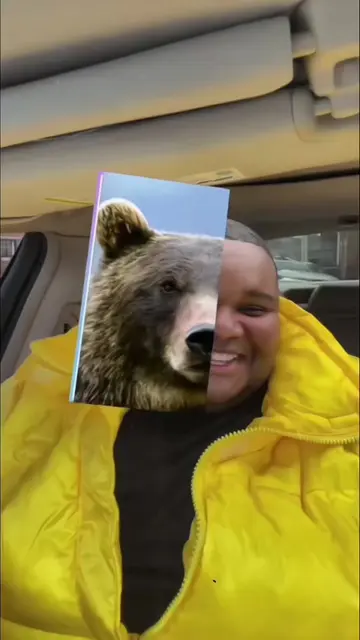
The video leverages a viral trend (animal face filters) and provides a clear, concise tutorial on how to replicate it using a specific app (CapCut), making it highly shareable and useful for users looking to participate in the trend.
Summary
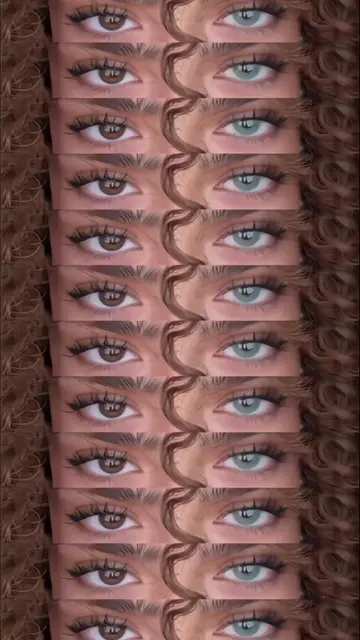
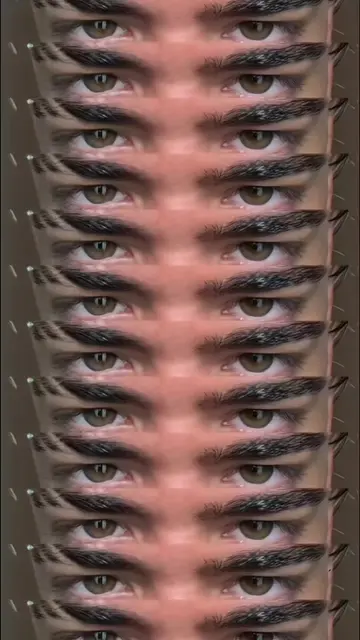
This video demonstrates how to use a popular "animal twin filter" template on CapCut. It guides viewers through copying a video link, finding the template, and uploading their own photos to create the effect.
Structure
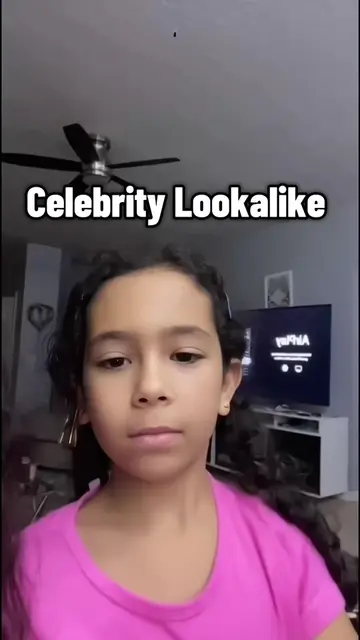
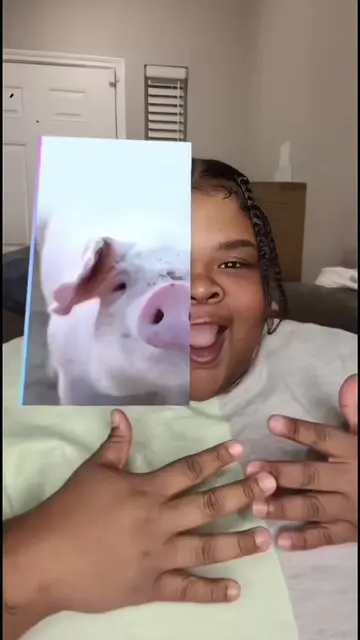
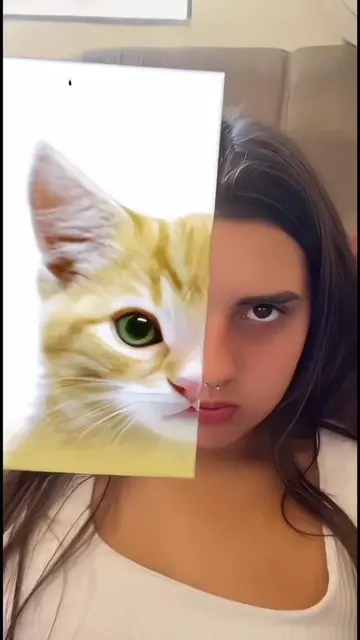
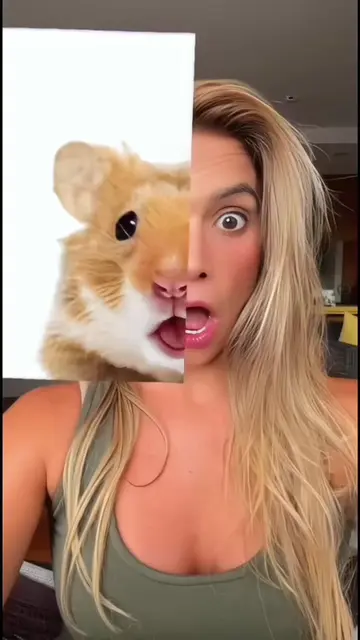
- 1Showcase of the animal face filter trend
- 2Instructions on how to find and use the CapCut template
- 3Demonstration of copying the video link
- 4Guidance on selecting photos and completing the edit
Product placement
The video shows how to use a CapCut template to create an "animal twin filter" effect, demonstrating the app's functionality and template feature.
Call to action
Use template
On-screen text
Original caption
✨This trending animal’s face filter CapCut template is super popular online🐱🐶 Just upload your selfie photo and get cute animal face effects with one simple tap. No complicated editing skills needed, everyone can make fun short videos quickly. Which animal are you ,animal’s face filter tutorial cute animal face capcut template pet face swap filter trend fun animal face edit guide #animalfacefilter #aieffect #tutorial #capcut #capcutpioneer
More from @hgeb80169188
Their other posts in the index, biggest breakout first.