Loading video…
All breakouts
6.1Talking HeadOther hookConsumer Apps
Hook
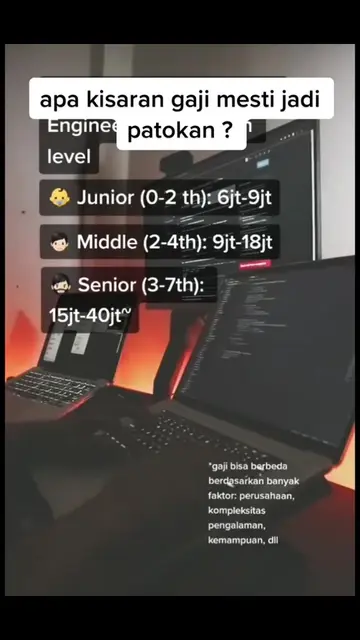
Lapangan pekerjaan di masa depan 🤯
@swifty_lads
3.5K followers · usually 5.1K views a post
Views
30.9K
Likes
1.6K
Comments
76
Shares
38
Why it worked
The video likely resonated with viewers because it addresses a common pain point for developers: software compatibility issues and the struggle to find reliable information. The creator's personal anecdote and the demonstration of using AI tools like ChatGPT to troubleshoot add relatability and practical value.
Summary
The video discusses the challenges of using older versions of Xcode with newer macOS versions, specifically Ventura. The creator shows how they used ChatGPT to find a solution, but highlights that relying on a single source of information can be problematic, as seen in the conflicting advice and error messages encountered.
Structure
- 1Introduction to future job market challenges
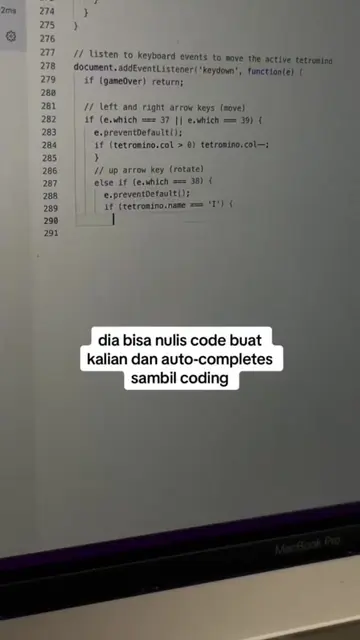
- 2Demonstration of using ChatGPT for coding help
- 3Discussion of macOS Ventura and Xcode compatibility issues
- 4Sharing of personal experience with a startup requiring specific Xcode versions
- 5Highlighting the importance of cross-referencing information and avoiding single-source reliance
Product placement
The video shows a screen recording of ChatGPT providing information about updating macOS and Xcode, and also shows a screenshot of macOS Monterey system information. The primary focus is on the information provided by ChatGPT and the user's experience with it, rather than a specific product being promoted.
On-screen text
Lapangan pekerjaan di masa depan 🤯
Original caption
#stitch with @Agusleo Halim izin stitch yaaa bang #iosdeveloper #mobiledeveloper #programmer
More from @swifty_lads
More breakout videos from this creator.