Loading video…
All breakouts
8.0Talking HeadListicle hookConsumer Apps
Hook
3 tips you need to know when starting TechTok
@evx.tech
1.2K followers · usually 725 views a post
Views
5.7K
Likes
144
Comments
6
Shares
13
Why it worked
The video offers practical and visually appealing tips for content creators, particularly those interested in tech setups. The use of aesthetic visuals and concise advice makes it easily digestible and shareable within the target audience.
Summary
The video provides three tips for starting on TechTok: minimize visible wires for a cleaner look, choose a theme for your setup (like black and white), and keep your camera as still as possible while recording. The creator mentions they will make a part two if the video performs well.
Structure
- 1Introduce the topic: 3 tips for TechTok
- 2Tip 1: Minimize wires
- 3Tip 2: Pick a theme
- 4Tip 3: Keep camera still
- 5Concluding remark about making a part 2
Product placement
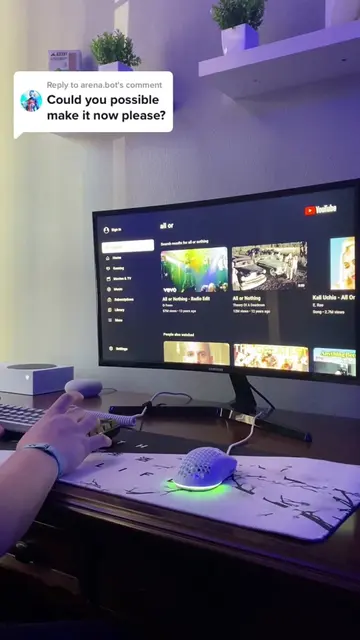
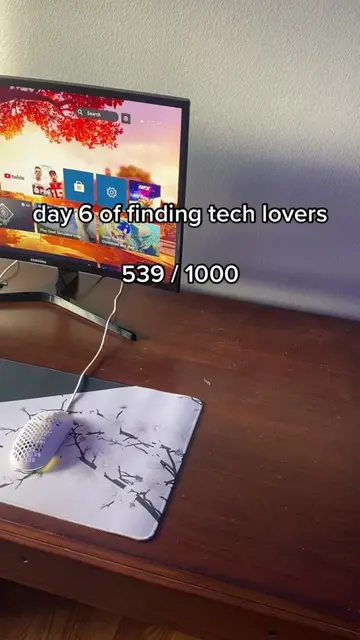
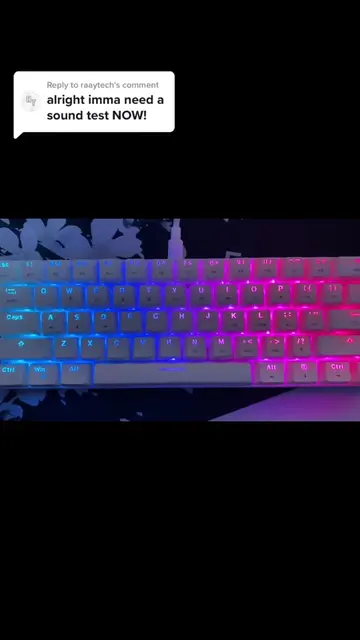
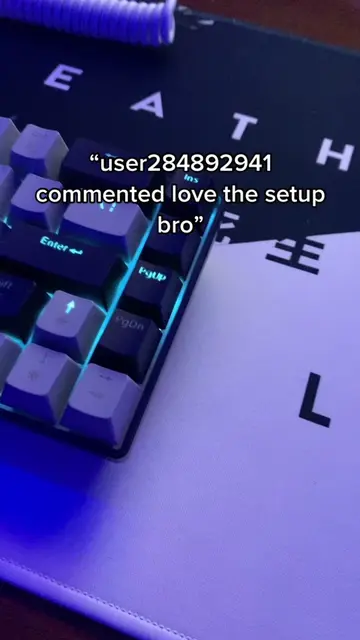
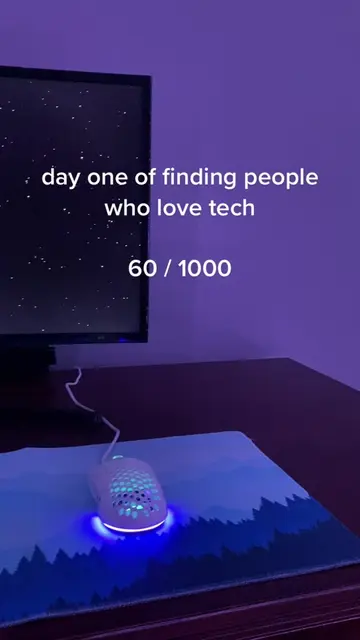
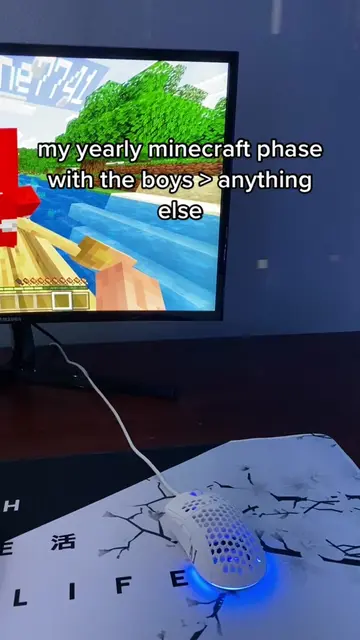
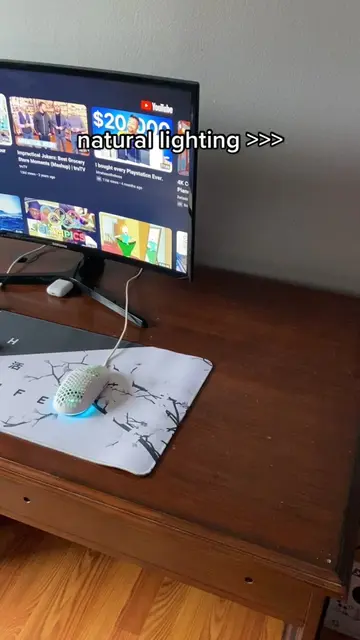
The video shows a computer setup with a monitor, keyboard, and mouse. The creator mentions specific brands like Xbox, MageGee, Samsung, and Dubby Energy in the caption, but these are not explicitly promoted or demonstrated in the video itself. The focus is on general setup aesthetics rather than specific products.
Call to action
If this blows up we'll make a part 2
On-screen text
3 tips you need to know when starting TechTok
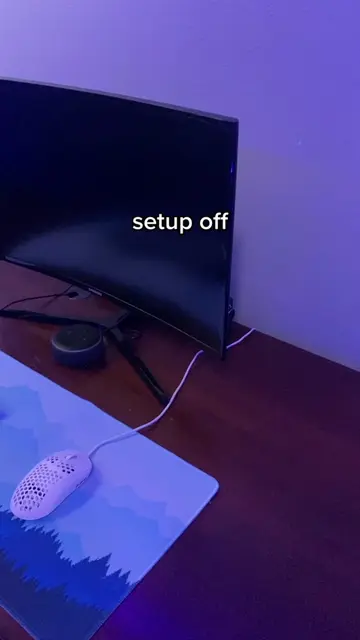
Number one you need to be able to show as little wire as possible
Overall it just makes your videos look a lot better
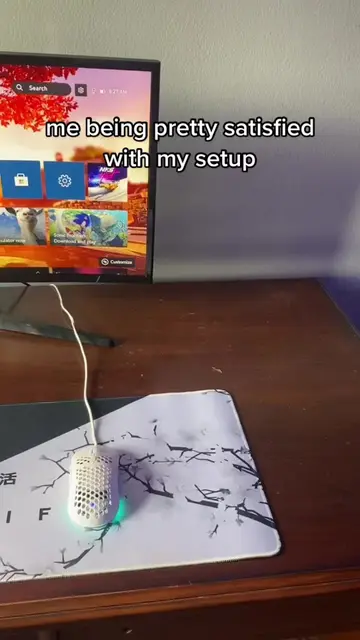
Second you need to pick a theme
As you can see for my setup my theme is pretty much black and white
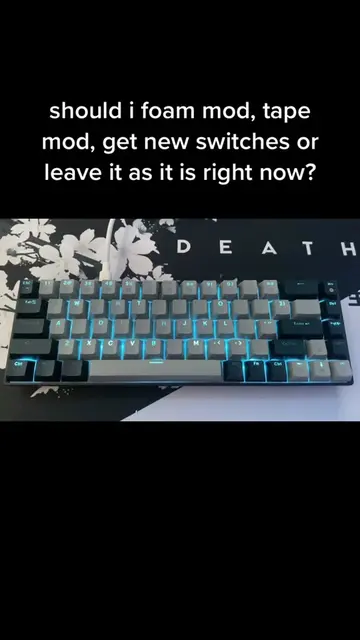
I do know my keyboard isn't black and white but I have a new one on the way
And last but not least
you need to make sure you can keep your camera as still as possible while you're recording
Kind of something like this
If this blows up we'll make a part 2
Original caption
hope this helps! #techtok #Tech #setup #gaming #xbox #aesthetic #magegee #samsung #asceny #dubbyenergy
More from @evx.tech
More breakout videos from this creator.