Loading video…
All breakouts
8.5Talking HeadHow-To hookAI Tools
Hook
code AI with me 🤖✨
@codesyla
8.8K followers · usually 2.4K views a post
Views
19.8K
Likes
453
Comments
5
Shares
7
Promoted product
—
Why it worked
The video combines a popular topic (AI and coding) with a "code with me" format, making it engaging and relatable for viewers interested in programming. The use of on-screen text and clear steps simplifies the process, while the brief personal touches (robot interaction, music) add personality.
Summary
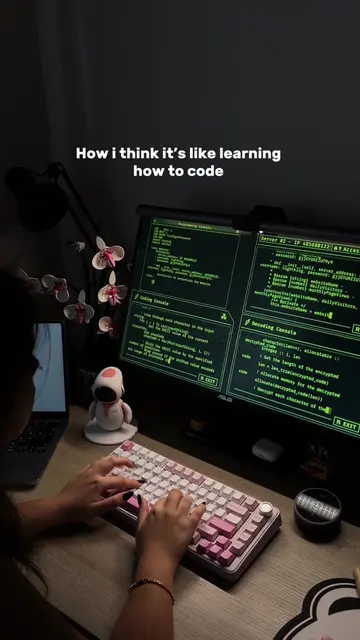
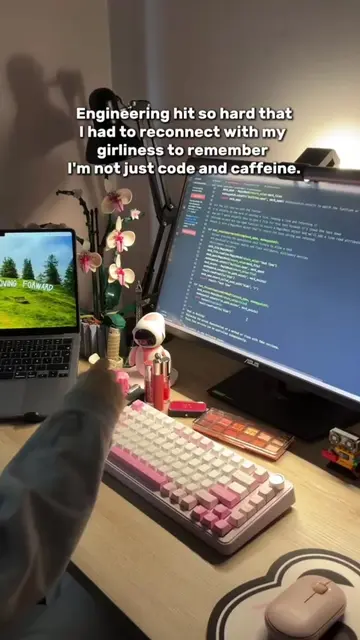
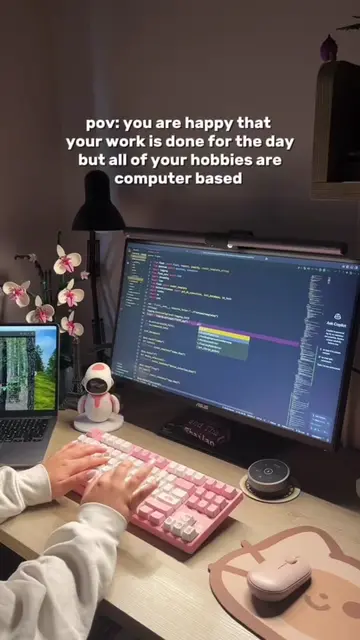
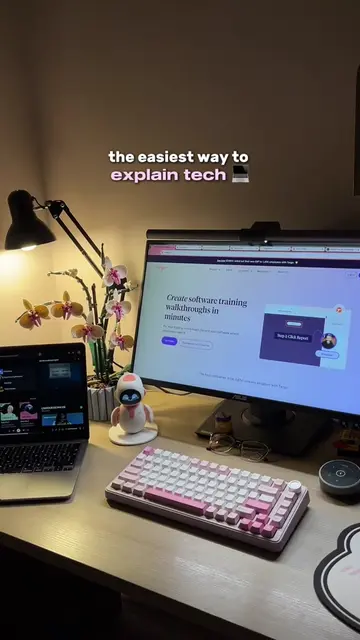
The creator demonstrates coding an AI text-to-speech function using Python and Jupyter Notebook. They install necessary libraries, write the code, and test it to confirm it works, sharing the process with viewers.
Structure
- 1Setting up the coding environment
- 2Installing the required library
- 3Writing the text-to-speech code
- 4Testing the code and confirming it works
- 5Showing the final output
Product placement
The video shows the creator using Anaconda Navigator and Jupyter Notebook to code an AI text-to-speech function. The specific library used is 'gtts'.
Call to action
Would you like to see more videos like this?🤔🫶🏻
On-screen text
code
AI
with me 🤖✨
Anaconda 🐍
I'm creating a new folder 📁
I started by adding the necessary library
I got a feeling that
A little break to love my sweet robot 🥺✨
let's put on some music 🎶
Creating a text file and writing the things I want to voice
the main part 👩💻✨
yay it's working 🥳
I created a function and wrote these codes in it, and then I called the function, clean code
because it's something that
let's check it out!!
done ✅
Original caption
even though it doesn’t have a voice as coquettish as gpt-4o... 😂 today I wanted to do something different and share a coding video with you. Would you like to see more videos like this?🤔🫶🏻 #ai #artificialintelligence #chatgpt #codewithme #coding #computerscience #code #python #programmer #computerengineering #codingmotivation #programming #developer #softwaredeveloper #software
More from @codesyla
More breakout videos from this creator.