Loading video…
All breakouts
5.0Text-HeavyPOV / Skit hookCreator Economy
Hook
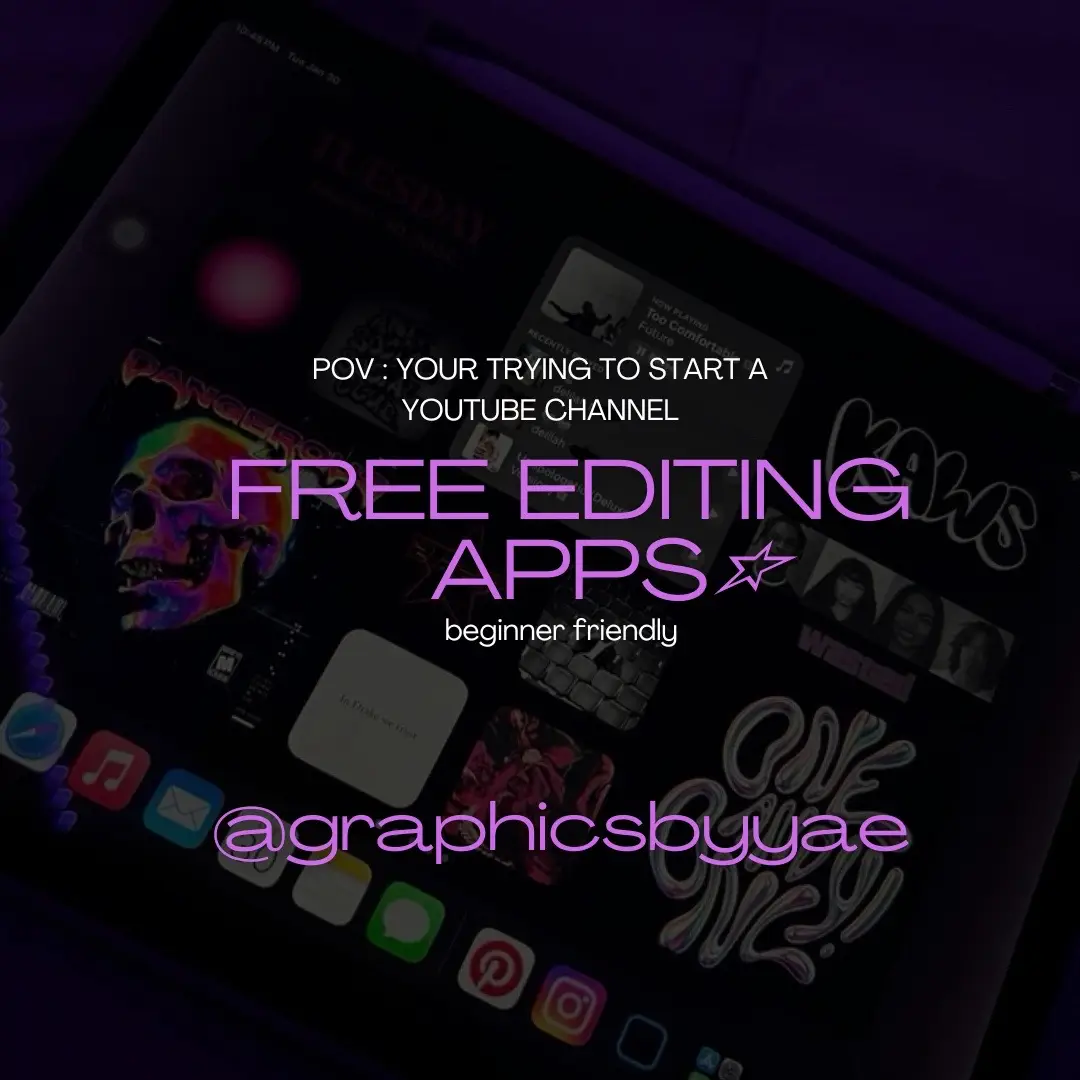
pov : YOUR TRYING TO START A YOUTUBE CHANNEL
y
@yaedesignedit
9.5K followers · usually 2.4K views a post
Views
11.6K
Likes
253
Comments
5
Shares
11
Promoted product
CapCut, Superimpose X, Picsart, iMovie, Canva
Why it worked
The post provides valuable, actionable information for aspiring YouTubers by listing and explaining free editing tools, directly addressing a common pain point for new content creators.
Summary
This slideshow presents a list of free editing apps suitable for beginners looking to start a YouTube channel. It highlights specific apps like CapCut, Superimpose X, Picsart, iMovie, and Canva, explaining their primary uses for video editing, banners, and thumbnails.
Structure
- 1Introduction to free editing apps for YouTube
- 2CapCut for video editing, intros, and outros
- 3Superimpose X and Picsart for banners and thumbnails (with Canva recommendation for beginners)
- 4iMovie for video editing
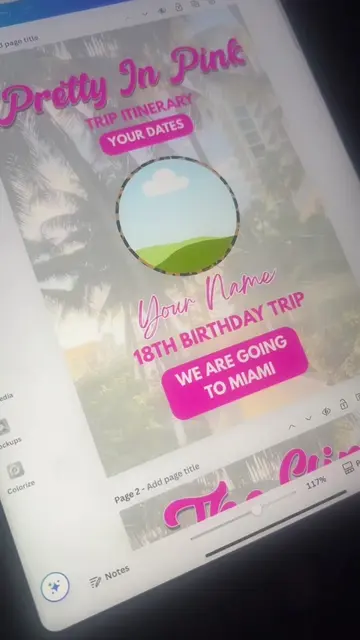
- 5Canva for creating intros, outros, banners, and thumbnails
- 6Creator's handle
Product placement
The video showcases several free editing apps: CapCut, Superimpose X, Picsart, iMovie, and Canva, detailing their uses for YouTube content creation.
Original caption
pov : your trying to start a youtube channel💞. #youtubeintro #youtubeintros #fyp #foryou #youtubers #capcutintros #canva #youtubers #adviceforgirls #advicetiktok #contentcreator
More from @yaedesignedit
More breakout videos from this creator.