Loading video…
All breakouts
406App DemoHow-To hookEducation
Hook
Tutorial how to run your HTML, CSS and JAVASCRIPT code
@meowish.dev
156.3K followers · usually 420 views a post
Views
165.9K
Likes
4.6K
Comments
89
Shares
204
Why it worked
The video provides high-utility, step-by-step technical instruction that solves a common pain point for beginners, making it highly shareable and saveable.
Summary
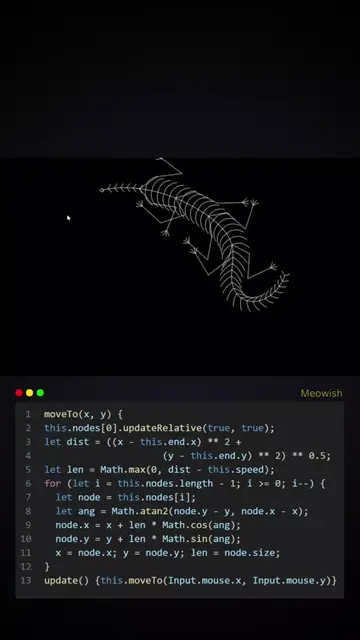
The video provides a quick, step-by-step tutorial on how to run HTML, CSS, and JavaScript code using Visual Studio Code. It demonstrates opening the application, selecting a project folder, and launching the code in a live server.
Structure
- 1Displaying the tutorial title
- 2Opening Visual Studio Code
- 3Navigating to the project folder
Original caption
Here's the tutorial for those who dm me asking how I run my code. #programming #tutorial #htmlcss #javascript #code #foryou
More from @meowish.dev
More breakout videos from this creator.