Loading video…
All breakouts
7.2App DemoDirect Question hookCreator Economy
Hook
How?
@jane.digitals
200.3K followers · usually 3.2K views a post
Views
31.6K
Likes
1.2K
Comments
61
Shares
169
Promoted product
Jane Digitals Free Training Class
Why it worked
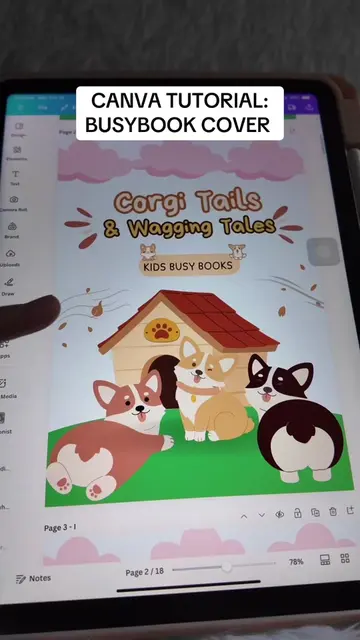
The video provides a clear, step-by-step tutorial on creating a visually appealing digital product using a popular tool (Canva). It also offers a free training class, which is a strong incentive for viewers interested in digital product creation and sales.
Summary
The video demonstrates how to create a "Counting Stars" busy book cover using Canva. It shows the process of adding elements like stars, a house, a moon, children, a lamp post, and a dog. The creator then promotes a free training class on selling Canva digital products.
Structure
- 1Introduction and prompt response
- 2Designing the background and house
- 3Adding moon and character elements
- 4Adding title and decorative elements
- 5
Original caption
Replying to @heat_blast Busybooks Cover 2: Counting Stars ✨ Sobrang nag enjoy talaga ko gawin tong busybooks cover na to ✨🥰 Nag eenjoy na nga, kumikita pa ✨ Message me on IG for the FREE training class (jane.digitals on IG) #busybooks #busybookscanva #canvatipd #canvatutorial #canvaanddigitalproducts #digitalproducts
More from @jane.digitals
More breakout videos from this creator.