Loading video…
All breakouts
48.4App DemoHow-To hookAI Tools
Hook
Let me show you how to build an AI agent under 60 seconds.
@justnrichard
18.6K followers · usually 3.8K views a post
Views
182.0K
Likes
12.6K
Comments
147
Shares
2.0K
Promoted product
Why it worked
The video provides high-value, actionable technical content in a rapid-fire, easy-to-follow format that solves a specific pain point for the audience.
Summary
The creator demonstrates how to build a functional AI agent using the n8n platform in under 60 seconds. The tutorial covers connecting an OpenAI chat model, adding memory, and integrating a Google Calendar tool.
Structure
- 1Introduction to building an AI agent
- 2Logging into n8n and creating a workflow
- 3Adding and configuring the AI agent node
- 4Connecting OpenAI API and simple memory
- 5Integrating Google Calendar as a tool
- 6Final demonstration of the completed workflow
Product placement
n8n is the primary platform being demonstrated throughout the video.
Call to action
Original caption
How to build a No Code Ai Agent in under 60 seconds Follow for moreee #n8n #aiagent #chatgpt #ai #aiforbusiness #aiautomation #aitools
More from @justnrichard
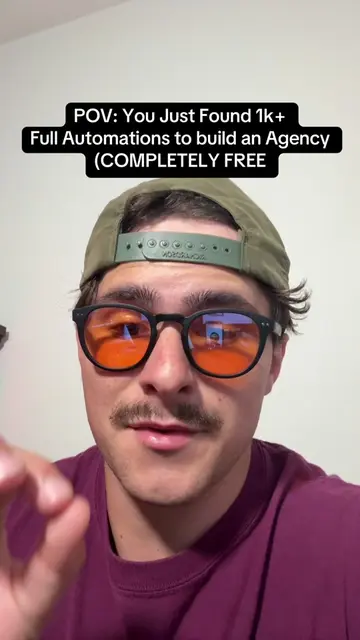
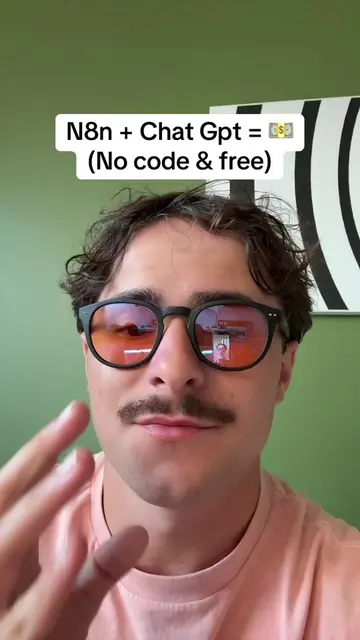
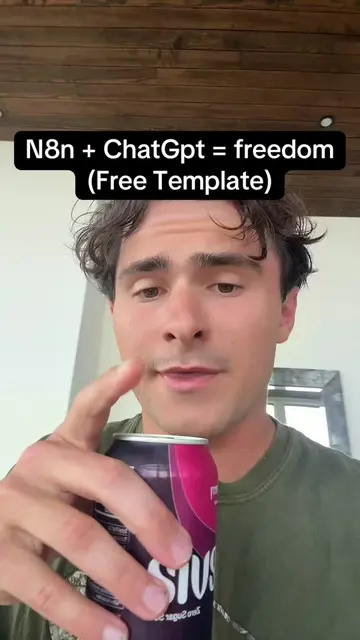
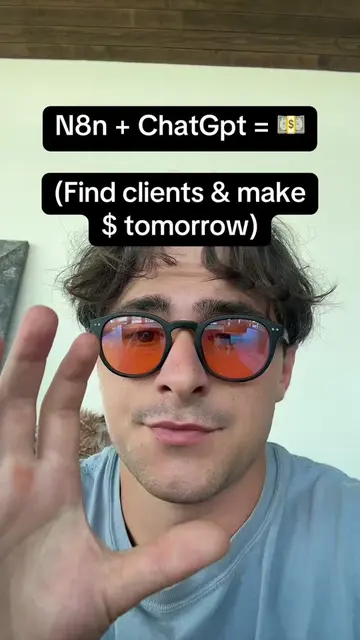
More breakout videos from this creator.