Loading video…
All breakouts
3.9Text-HeavyHow-To hookConsumer Apps
Hook
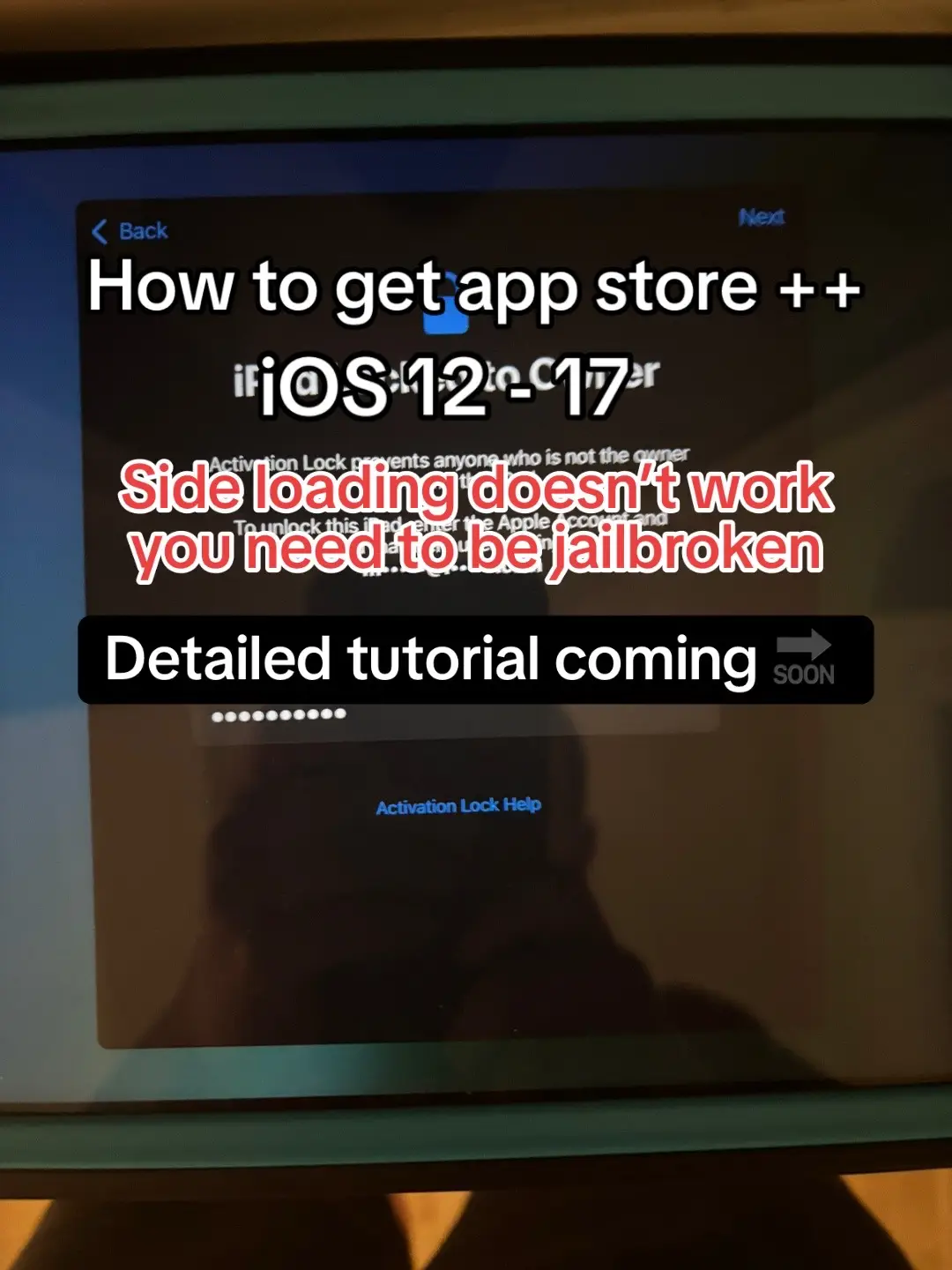
< Back How to get app store ++ iOS 12-17
@ja1lbreaktech
2.8K followers · usually 5.5K views a post
Views
15.0K
Likes
66
Comments
4
Shares
3
SoundTikTok sound · magic
Why it worked
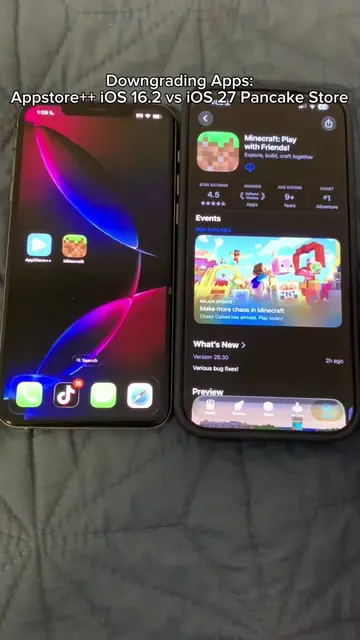
The post targets a niche audience interested in jailbreaking and customizing their iOS devices, offering a solution to a specific problem (downgrading apps) that is not natively supported.
Summary
This post explains how to get the App Store++ tweak for jailbroken iOS devices. It outlines the necessary steps, starting with jailbreaking and then installing Sileo, followed by searching for and installing Trollstore Lite and the App Store++ IPA file.
Structure
- 1Introduction to App Store++ for iOS
- 2Requirement: Jailbreaking
- 3Installing Sileo and Trollstore Lite
- 4Downloading the App Store++ IPA
- 5Installing and using App Store++ for downgrading apps
On-screen text
Back
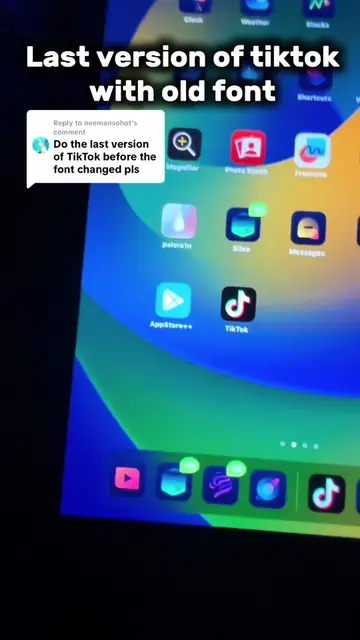
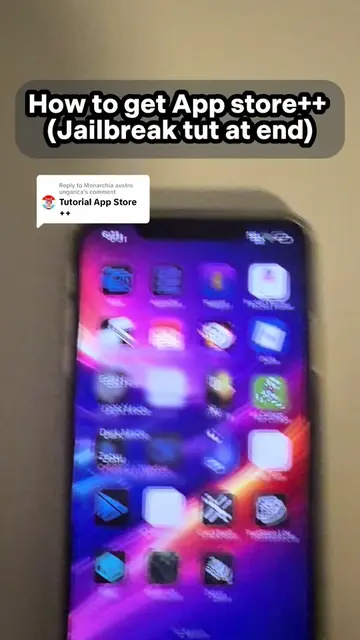
How to get app store ++
iOS 12-17
Side loading doesn't work
you need to be jailbroken
Detailed tutorial coming
SOON
Activation Lock Help
1. Be jailbroken with Paler1n or any jailbreak that could give u Sileo
2. In sileo search for "Trollstore lite" and get the tweak
3. Search on google for "appstore ++ ipa github" and get the latest IPA release
4. Open troll store lite and click "+" and install from ipa file and then select the appstore plus plus IPA file
5. Install it and from the list of apps hold down on the one you want to downgrade and there you go
Original caption
#fyp #fy #ipad #iphone #apple #jailbreak #tiktok #techtok #apple #ios #tutorial
More from @ja1lbreaktech
More breakout videos from this creator.