Loading video…
All breakouts

4.4Text-HeavyListicle hookConsumer Apps
Hook
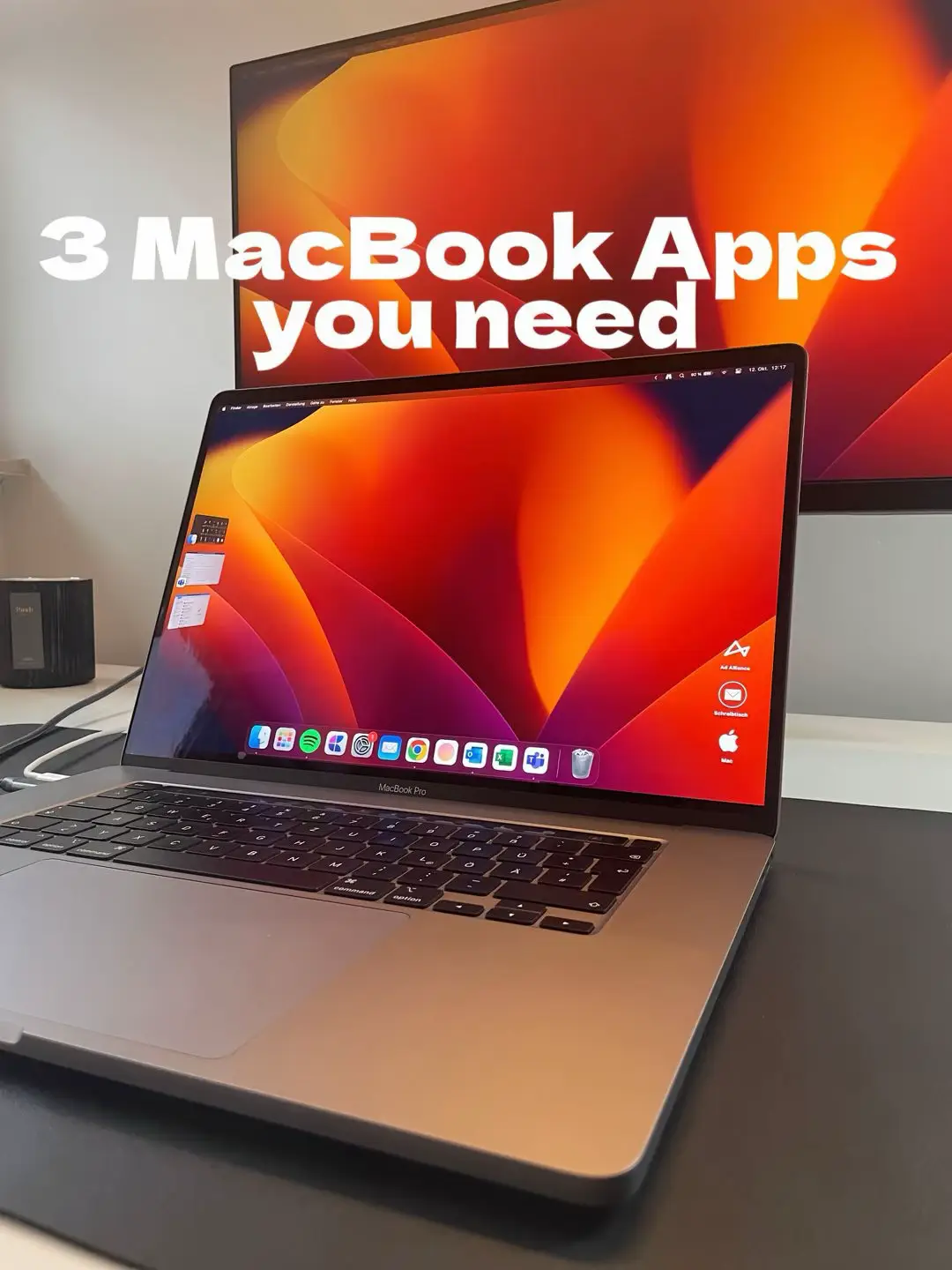
3 MacBook Apps you need
@maxzrco
52.5K followers · usually 92.2K views a post
Views
382.5K
Likes
18.0K
Comments
31
Shares
376
Promoted product
PopClip, SelfControl, Smart Converter
Why it worked
The video effectively uses a clear, text-heavy format to present valuable productivity tools for MacBook users. The concise explanations and visual demonstrations of each app's function make it easy for viewers to understand their utility and potential benefits.
Summary
This slideshow showcases three MacBook applications designed to enhance productivity. It highlights PopClip for quick text actions, SelfControl for blocking distracting websites, and Smart Converter for file format conversions.
Structure
- 1Introduction of 3 MacBook Apps
- 2PopClip: Instant text actions
- 3SelfControl: Block distractions
- 4Smart Converter: File conversion
- 5Conclusion
Original caption
Get more of your Macbook! Part five with new apps. 3 productivity apps that help you work smarter. #apple #macbookpro #macbook #macbookapps #macbookhacks #macbooktips
More from @maxzrco
More breakout videos from this creator.