Loading video…
All breakouts
289App DemoOther hookEducation
Hook
The theme is
@web_leb
113.0K followers · usually 2.1K views a post
Views
597.6K
Likes
33.0K
Comments
307
Shares
2.2K
Why it worked
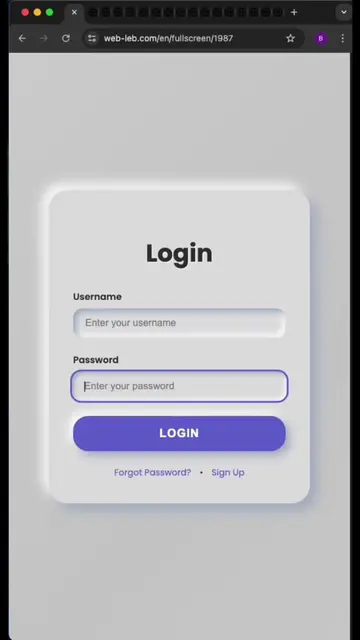
The video uses high-quality, satisfying visual feedback and a clean, minimalist UI demo that appeals to developers looking for aesthetic frontend components.
Summary
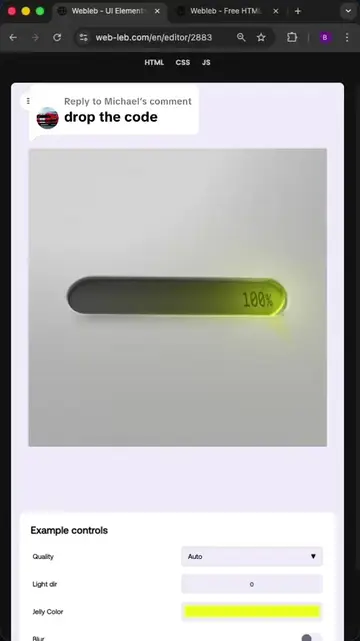
The video demonstrates a custom-coded, interactive 'jelly' progress bar UI component that reacts to user input. It shows the component being manipulated in a browser environment to change colors and animation styles.
Structure
- 1Introduction of the jelly progress bar
- 2Demonstration of the interactive color picker
- 3Showcase of the jelly animation effect
- 4
Original caption
Jelly Slider #webleb #code #coding #developer #frontend
More from @web_leb
More breakout videos from this creator.