Loading video…
All breakouts
13.5Silent UGCHow-To hookConsumer Apps
Hook
Upgrading my PC part 2
@rxzer.tech
17.9K followers · usually 4.4K views a post
Views
69.8K
Likes
2.8K
Comments
178
Shares
26
Why it worked
The video leverages social proof by featuring a high-profile comment from MrBeast as the catalyst for the upgrade, which creates immediate intrigue and credibility.
Summary
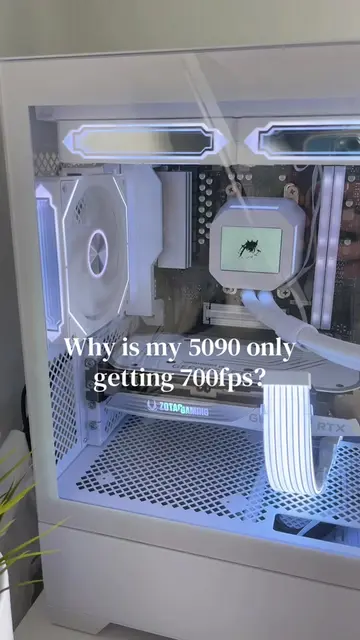
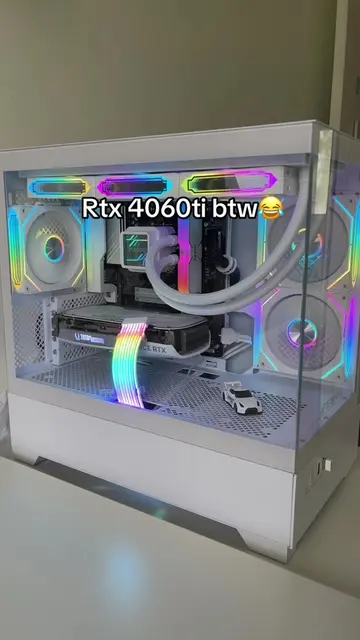
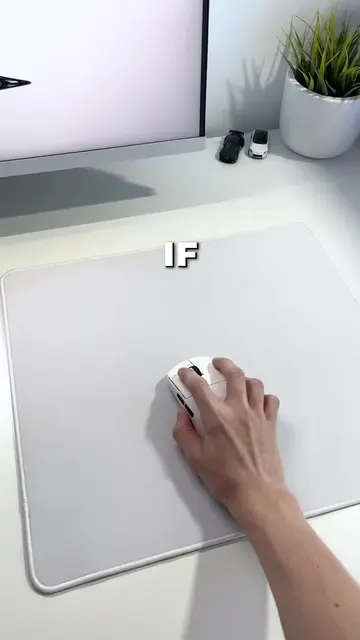
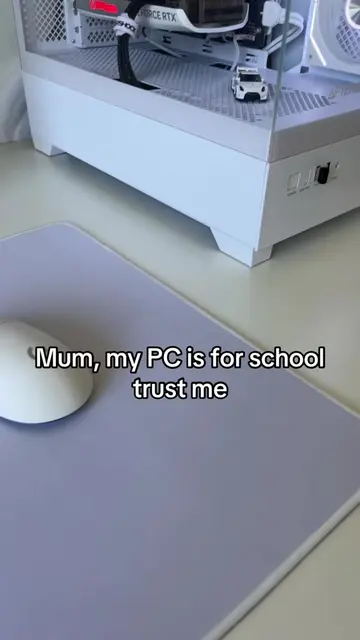
The creator performs a PC upgrade by installing an Asus Prime LC 360 ARGB liquid cooler. The video shows the unboxing and installation process, concluding with the final aesthetic result.
Structure
- 1Hook with text overlay
- 2Displaying a comment from MrBeast
- 3Unboxing the new CPU cooler
- 4Removing the old CPU fan
- 5Installing the new liquid cooler
Original caption
Does @MrBeast like the new aio. Was this a w upgrade to my pc #pc #techtok #Tech #upgrade #fyp
More from @rxzer.tech
More breakout videos from this creator.