Loading video…
All breakouts
6.2Talking HeadHow-To hookEducation
Hook
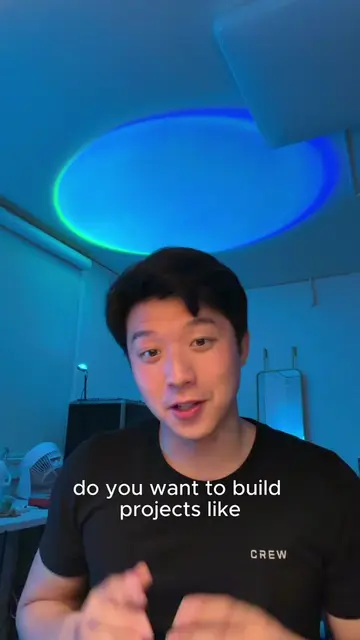
HOW TO BUILD A
@adam.aeroo
46.1K followers · usually 94.7K views a post
Views
556.9K
Likes
24.7K
Comments
202
Shares
1.4K
Why it worked
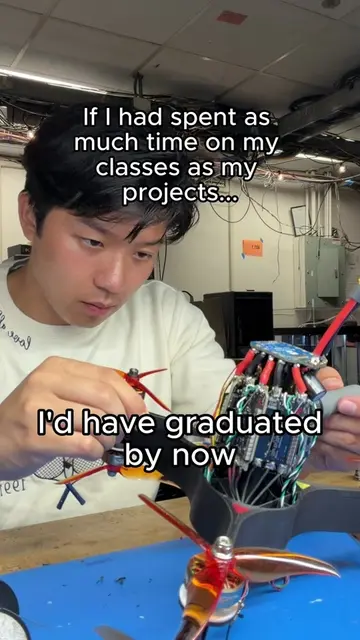
The video demonstrates a complex DIY project, appealing to hobbyists and makers. The step-by-step visual guide, combined with clear on-screen text explaining each component's function, makes it informative and engaging. The creator's use of a popular format (building something) and a clear call to action for future content likely contributed to its performance.
Summary
The video shows the process of building a high-speed drone. It covers the initial design phase using CAD, 3D printing parts, assembling the frame, installing electronic speed controllers and motors, soldering wires, and adding a video transmitter and flight controller. The creator also shows the power pod and mentions the flight controller as the "brain" of the drone. The video ends with a call to follow for flight footage.
Structure
- 1Introduction and initial design (CAD)
- 23D printing parts
- 3Building the frame
- 4Installing electronic speed controllers and motors
- 5Soldering and connecting components
- 6Final assembly and testing
Product placement
The video shows the process of building a drone, featuring components like CAD software on a laptop, a Creality 3D printer, electronic speed controllers, motors, a video transmitter, and a flight controller. The creator is shown assembling these parts.
Call to action
Original caption
My take on a new “speedster class” drone. designed, built, and iterated in a two weeks. this is about testing ideas fast, breaking assumptions, and seeing what sticks. flight footage coming soon. happy to go deeper on the design if you want. #buildinpublic #diyprojects #diydrone #uav #aerospaceengineering
More from @adam.aeroo
More breakout videos from this creator.