Loading video…
All breakouts
5.9App DemoDirect Question hookAI Tools
Hook
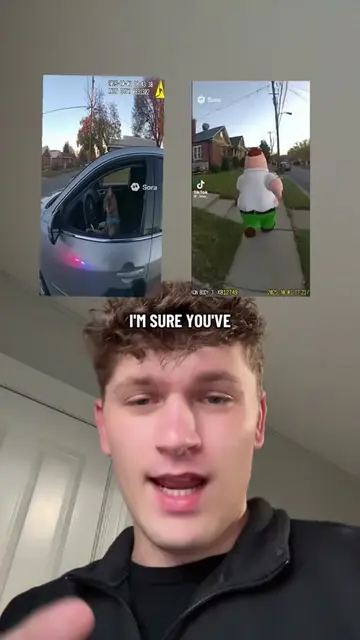
You're probably wondering
@aidanstanik.ai
42.6K followers · usually 35.8K views a post
Views
263.9K
Likes
9.1K
Comments
82
Shares
650
Why it worked
The video provides a clear, step-by-step tutorial on how to use a specific AI tool to create engaging content. It leverages a popular figure (Juice WRLD) to demonstrate the tool's capabilities, making it more visually appealing and relatable.
Summary
This video demonstrates how to create motion control AI videos using Higgsfield. It explains the process of capturing motion, uploading it to Higgsfield, and then applying a character to mimic the captured movements.
Structure
- 1Create a video with fun motions
- 2Go to Higgsfield.com and select Motion Control
- 3Upload the motion video and a character image
Original caption
How to Create Motion Control AI Videos in Higgsfield #motioncontrol #ai #higgsfield
More from @aidanstanik.ai
More breakout videos from this creator.