Loading video…
All breakouts

29.9App DemoHow-To hookAI Tools
Hook
How to launch your iOS app in 24 hours
@adrien.ninet
315.1K followers · usually 8.8K views a post
Views
267.8K
Likes
15.8K
Comments
861
Shares
1.1K
Promoted product
Superappsuperapp.so
Why it worked
The video provides high-value, actionable technical content that solves a common pain point (app development speed) while positioning the product as the essential tool to achieve the result.
Summary
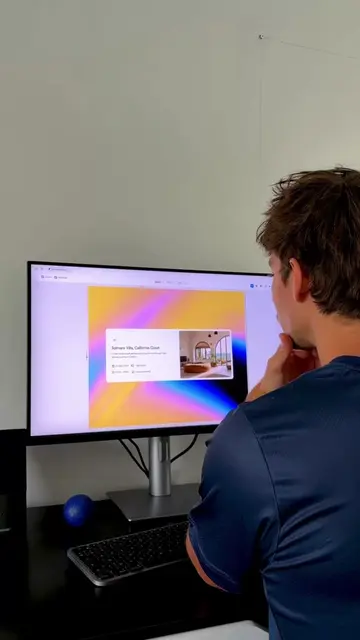
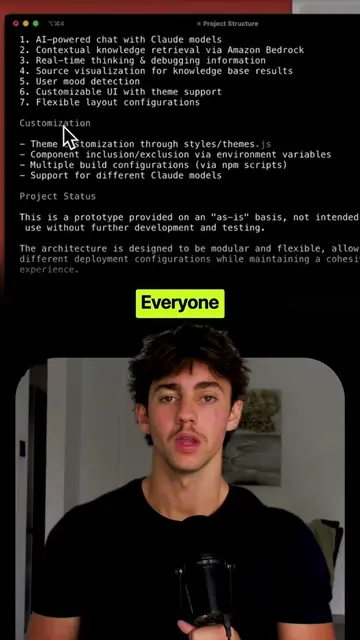
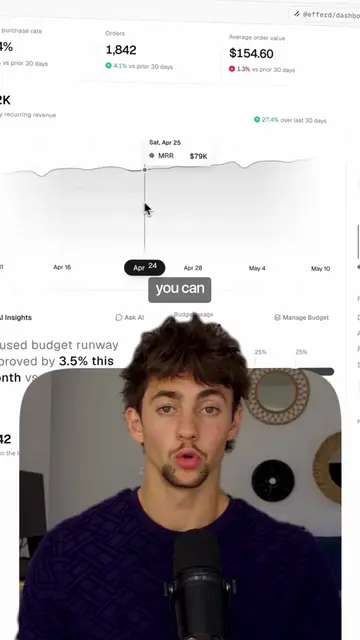
The creator demonstrates a five-step workflow for building and launching an iOS app using Figma and the AI tool Superapp. The video serves as a tutorial that highlights the efficiency of the featured product in the development process.
Structure
- 1Identify user flows in FigJam
- 2Design final screens in Figma
- 3Convert designs to code with Superapp
- 4Integrate backend and database via AI
- 5Publish to the App Store
Original caption
👇🏼Comment “APP” and I’ll send you my full step-by-step guide. How to launch your iOS app in 24 hours 🚀 #iosdev #appdesign #aidevelopment #swiftui #nocode
More from @adrien.ninet
More breakout videos from this creator.