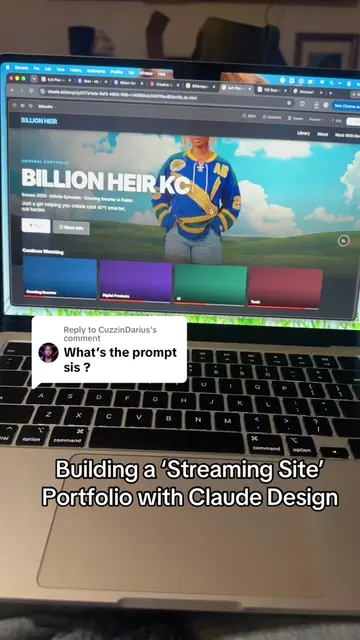
Loading video…
All breakouts
6.3App DemoDirect Question hookAI Tools
Hook
Did you know you can use Higgsfield to make mixed media video?
@billionheirkc
44.2K followers · usually 625 views a post
Views
2.5K
Likes
160
Comments
5
Shares
25
Why it worked
The video effectively showcases a creative AI tool by demonstrating its capabilities with a clear, step-by-step process. The use of visual examples and a direct walkthrough makes the product's functionality easy to understand and appealing to potential users.
Summary
The video demonstrates how to use Higgsfield AI to create mixed media video effects. It guides the viewer through selecting the 'Mixed Media' option, uploading a video, choosing presets, adjusting frame rate and resolution, and finally generating the stylized video.
Structure
- 1Introduction to Higgsfield AI for mixed media video
- 2Navigating to the 'Mixed Media' feature
- 3
Original caption
You can created mixed media on @Higgsfield AI all by one click of a button 🫨 #createsmarter #ai #createsmarterwithai #techsimplified #higgsfield #mixedmedia
More from @billionheirkc
More breakout videos from this creator.