Loading video…
All breakouts
8.8OtherOther hookEducation
Hook
McDonald's Restaurant
@machgorithm
2.1K followers · usually 3.0K views a post
Views
35.5K
Likes
370
Comments
5
Shares
25
Why it worked
The video appeals to a niche audience interested in retro computing, programming, and the novelty of seeing a familiar brand like McDonald's represented in assembly language. The use of hashtags related to development and coding further targets this audience.
Summary
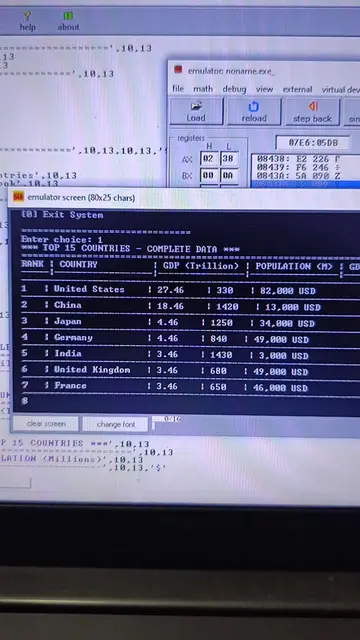
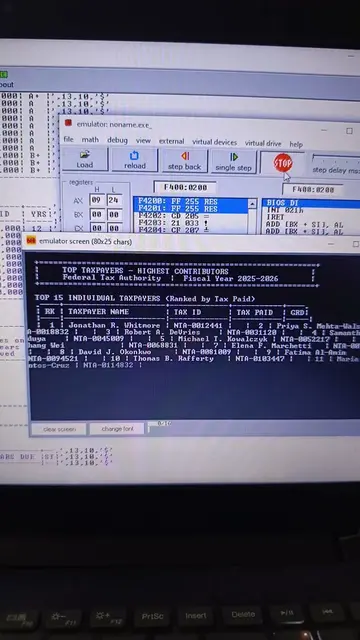
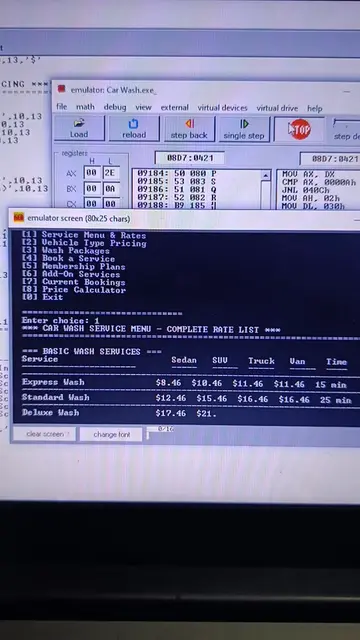
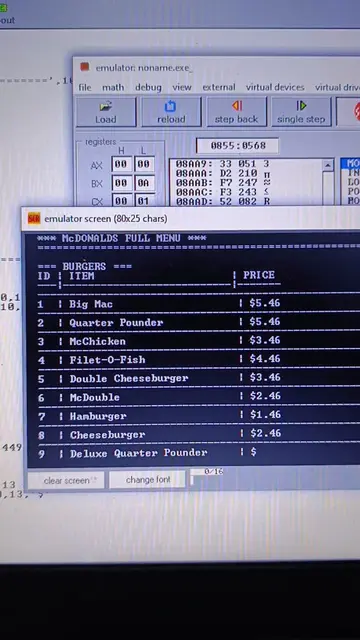
The video shows a computer emulator running a program that displays a McDonald's restaurant menu in what appears to be assembly language. The program includes options for viewing the full menu, placing orders, viewing tables, checking out, and viewing combo meals.
Structure
- 1Emulator displays McDonald's restaurant title and slogan
- 2Displays restaurant details like location, hours, and service options
- 3Shows table and cart status
- 4Presents a main menu with numbered options
- 5User navigates through menu options
On-screen text
emulator: noname.exe
file math debug view external virtual devices virtual drive
load reload step back single step
registers:
AX 02 78
F400:0200
P4200: FP 255 RES
P4201: FP 255 RES
BIOS: 0000
emulator screen (80x25 chars)
McDONALD'S RESTAURANT
In Lovin It!
M M
Golden Arches
Location: Downtown Branch
Hours: 24/7 Always Open!
Dine-In | Takeout | Drive-Thru
Tables: 5/18 Free | Cart: 0 items
MAIN MENU
[1] View Full Menu
[2] Place Order
[3] Dine-In Tables
[4] My Cart
[5] Checkout & Pay
[6] Combo Meals
[7] Family Specials
[8] Exit
Enter choice: -
clear screen change font 0/15
McDonald's Menu in Assembly Language 🤖 . . . . #developer #codingforkids #codingtiktok #codinglife #coding
McDonald's Full Menu
BURGERS
PRICE
[1] Big Mac
[2] Quarter Pounder
[3] McChicken
[4] Filet-O-Fish
[5] Double Cheeseburger
[6] Hamburger
[7] Deluxe Quarter Pounder
[8] Spicy McChicken
FRIES
[1] French Fries (Small)
[2] French Fries (Medium)
PRICE
PRICE
Original caption
McDonald's Menu in Assembly Language 🤖 . . . . #developer #codingforkids #codingtiktok #codinglife #coding
More from @machgorithm
More breakout videos from this creator.