Loading video…
All breakouts
18.8App DemoHow-To hookGames
Hook
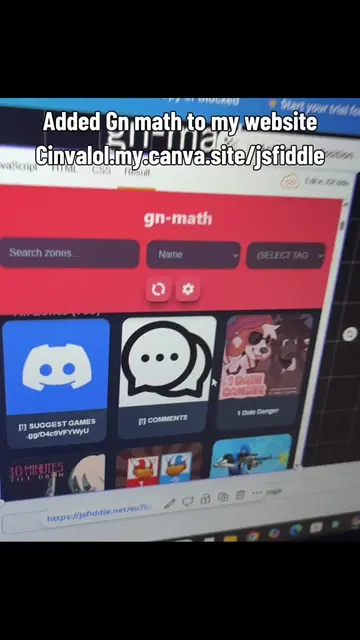
How to embed html/games to canva
@simply1e1
1.4K followers · usually 967 views a post
Views
17.8K
Likes
193
Comments
8
Shares
11
Why it worked
The video solves a specific, high-interest technical problem for Canva users with a concise, step-by-step demonstration that is easy to follow.
Summary
The video provides a quick tutorial on how to embed HTML code or games into a Canva design using an iframe. It demonstrates the process of creating the code in JSFiddle and then pasting the link into the Canva embed tool.
Structure
- 1State the tutorial goal
- 2Search for the embed tool in Canva
- 3Show the code snippet in JSFiddle
- 4Paste the link into Canva
- 5Resize the embedded element
- 6Show the final result
On-screen text
How to embed html/games to canva
Search embed
Make a code in jsfiddle
I'll be using an iframe
Back to canva
Paste your jsfiddle link
Add to design
Follow what I do to resize it
(I didn't scale it tho)
The same iframe from before:
And enjoy!
Transcript
Original caption
#unblocked #game #canva #html
More from @simply1e1
More breakout videos from this creator.