Loading video…
All breakouts 2 videos2 creators
6.9Text-HeavyCuriosity Gap hookAI Tools
Hook
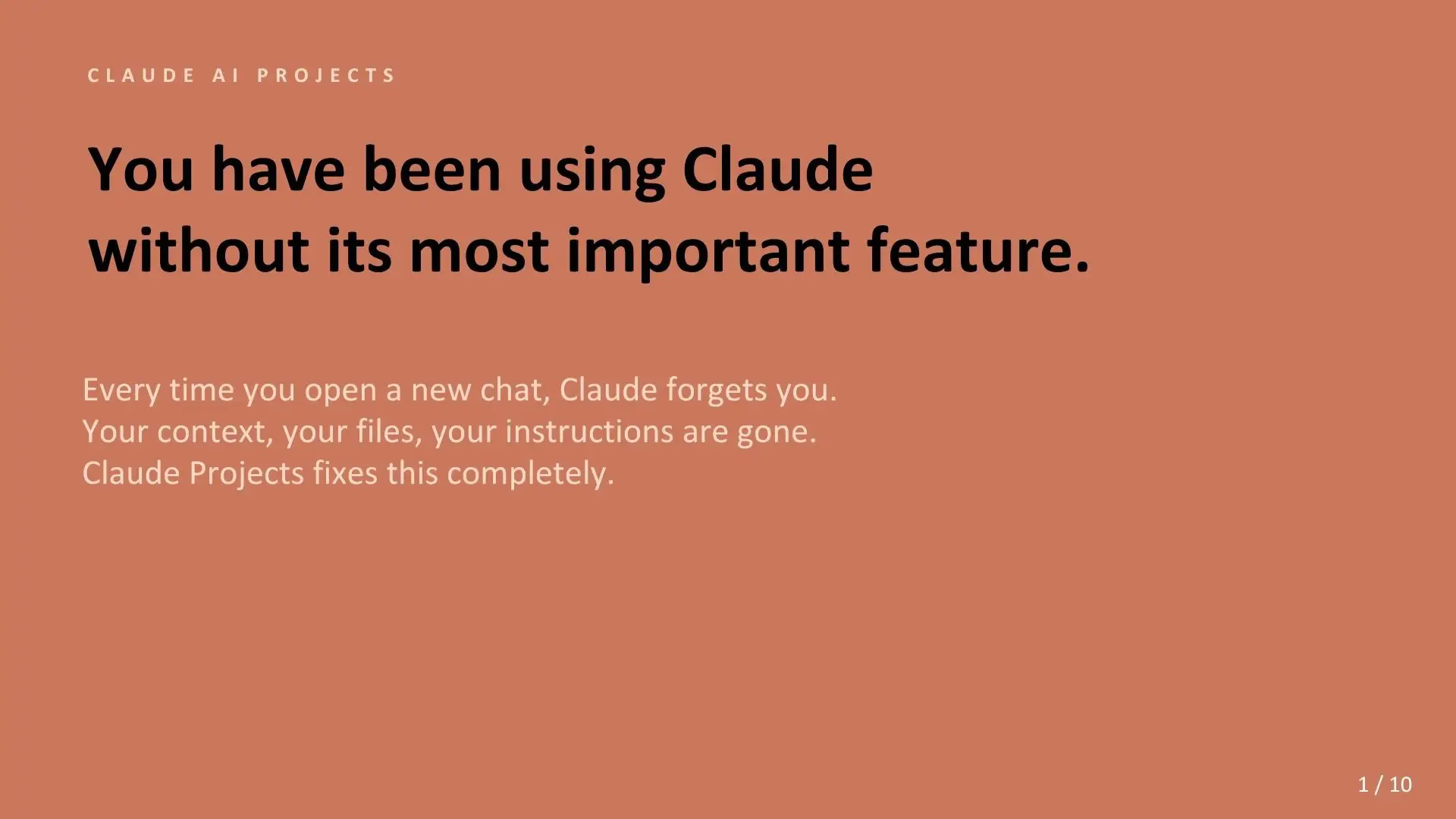
CLAUDE AI PROJECTS You have been using Claude without its most important feature.
@the_ai_girl1
1.0K followers · usually 589 views a post
Views
4.1K
Likes
61
Comments
1
Shares
3
Promoted product
Claude Projects
Why it worked
The post effectively highlights a common pain point for AI users (losing context) and presents Claude Projects as a direct, simple solution. The clear, step-by-step explanation and emphasis on benefits like 'zero re-explaining' and 'consistent output' make it highly relatable and persuasive.
Summary
This presentation introduces Claude Projects, a feature that gives Claude AI a persistent memory, allowing it to retain context, instructions, and files across conversations. It explains how to set up a project and highlights the benefits of consistent output and faster work.
Structure
- 1Introduce the problem: Claude forgets context
- 2Explain what Claude Projects is: persistent workspace
- 3Identify who needs it: users who re-explain context
- 4Detail how to set it up: under 5 minutes
Original caption
I set up a Claude Project for the first time a few months ago and genuinely could not go back to regular Claude after that. If you have been using Claude or any AI tool and you feel like you are constantly starting over, re-explaining yourself, re-pasting the same context every single session, that is not a you problem. That is just how most people are using it. And there is a better way. Claude Projects gives Claude a persistent memory of you, your work, your instructions, and your files. Every conversation you open inside a project picks up from that foundation. You do not have to re-introduce yourself. You do not have to paste your brand guidelines again. You do not have to explain your tone of voice for the fifteenth time. I use it for content creation, for building systems, for client work. The difference in speed alone is hard to explain until you experience it. If you have been sleeping on this feature, the carousel below breaks down exactly what Claude Projects is, who it is built for, and why it is probably the most underused thing in Claude right now. #claudeai #claudeprojects #aiprojects #ai #promptengineering
More from @the_ai_girl1
More breakout videos from this creator.