Loading video…
All breakouts
25.1App DemoHow-To hookEducation
Hook
Tik tok automation part (1)
@mahmoodskills
14.1K followers · usually 1.1K views a post
Views
36.3K
Likes
1.6K
Comments
95
Shares
311
Promoted product
Mahmood Digital Serviceshttps://whatsapp.com/channel/0029VbCxJnQJZg49EDWczG0P ↗
Why it worked
The video provides a specific, actionable technical tutorial that solves a common pain point for users trying to access region-locked social media features, building trust through a clear demonstration.
Summary
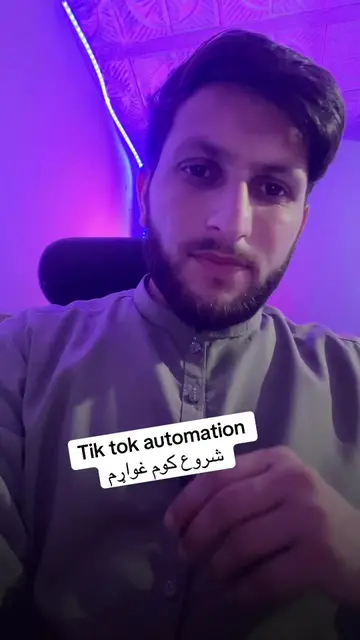
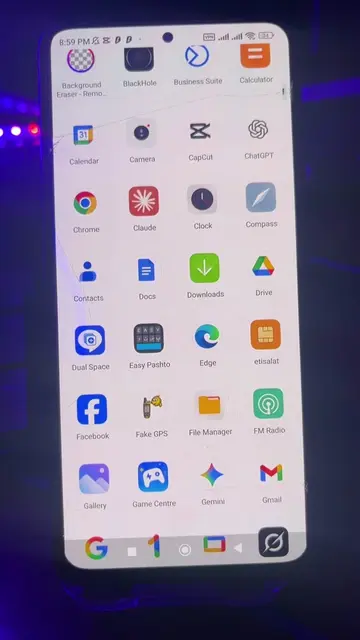
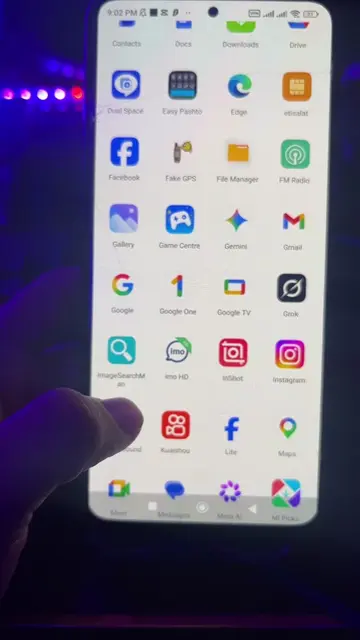
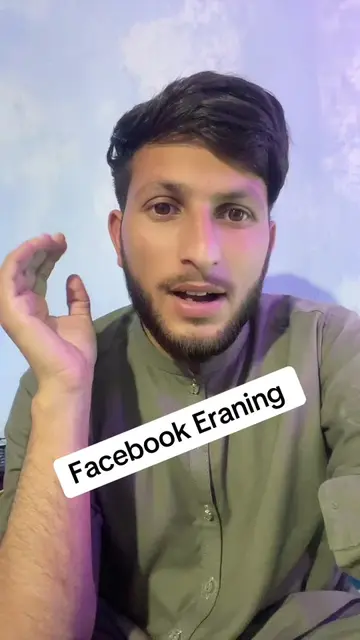
The creator demonstrates how to use a VPN to change a phone's location to the UK for TikTok and Facebook automation. He then directs viewers to his WhatsApp channel for further assistance and information.
Structure
- 1Introduction to TikTok automation
- 2Setting up the VPN location
- 3Configuring GPS override settings
- 4Verifying location via Google Maps
- 5Confirming IP address on Google
- 6Call to action to join WhatsApp channel
Product placement
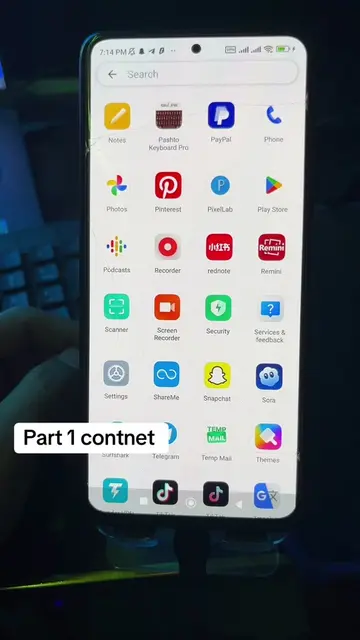
Surfshark VPN is used as the primary tool for the automation process.
Original caption
Part 1 / Tik tok Automation #tiktok #automation #course #free #foryoupage
More from @mahmoodskills
More breakout videos from this creator.