Loading video…
All breakouts
24.9Talking HeadWarning hookConsumer Apps
Hook
This setting is killing your FPS
@jacklovestech
20.3K followers · usually 5.3K views a post
Views
116.5K
Likes
5.5K
Comments
155
Shares
752
Why it worked
The video addresses a high-intent pain point for gamers (low FPS) with a simple, actionable, and non-intrusive technical fix that provides immediate value.
Summary
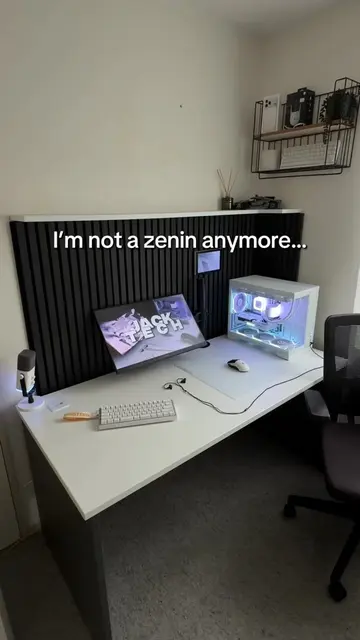
The creator provides a quick tutorial on how to improve gaming performance on a PC by adjusting Windows graphics settings. The video guides the viewer through the system menu to enable specific GPU optimizations.
Structure
- 1Identify the problem of low FPS
- 2Navigate to Windows display settings
- 3Locate advanced graphics settings
- 4Toggle optimization settings on
- 5Call to action to save and follow
Call to action
Save this video for the future and follow for more tips
On-screen text
This setting is killing your FPS
FPS: 2
Press Windows and I on your keyboard
System
Display
Advanced Graphics Settings
Toggle both of these on
Save this video for the future and follow for more tips
Transcript
This setting is killing your FPS. Press Windows and I on your keyboard. Go to System, Display, and finally Advanced Graphics Settings. Toggle both of these on and your GPU should now be running a lot faster. Save this video for the future and follow for more tips.
Original caption
⚠️ THIS SETTING IS KILLING YOUR FPS!! 📉 - (watch the full video to make ur faster!! 👀) #gamingpc #tipsandtricks #techtok #pcgaming #fps
More from @jacklovestech
More breakout videos from this creator.