Loading video…
All breakouts
903Text-HeavyDirect Question hookCreator Economy
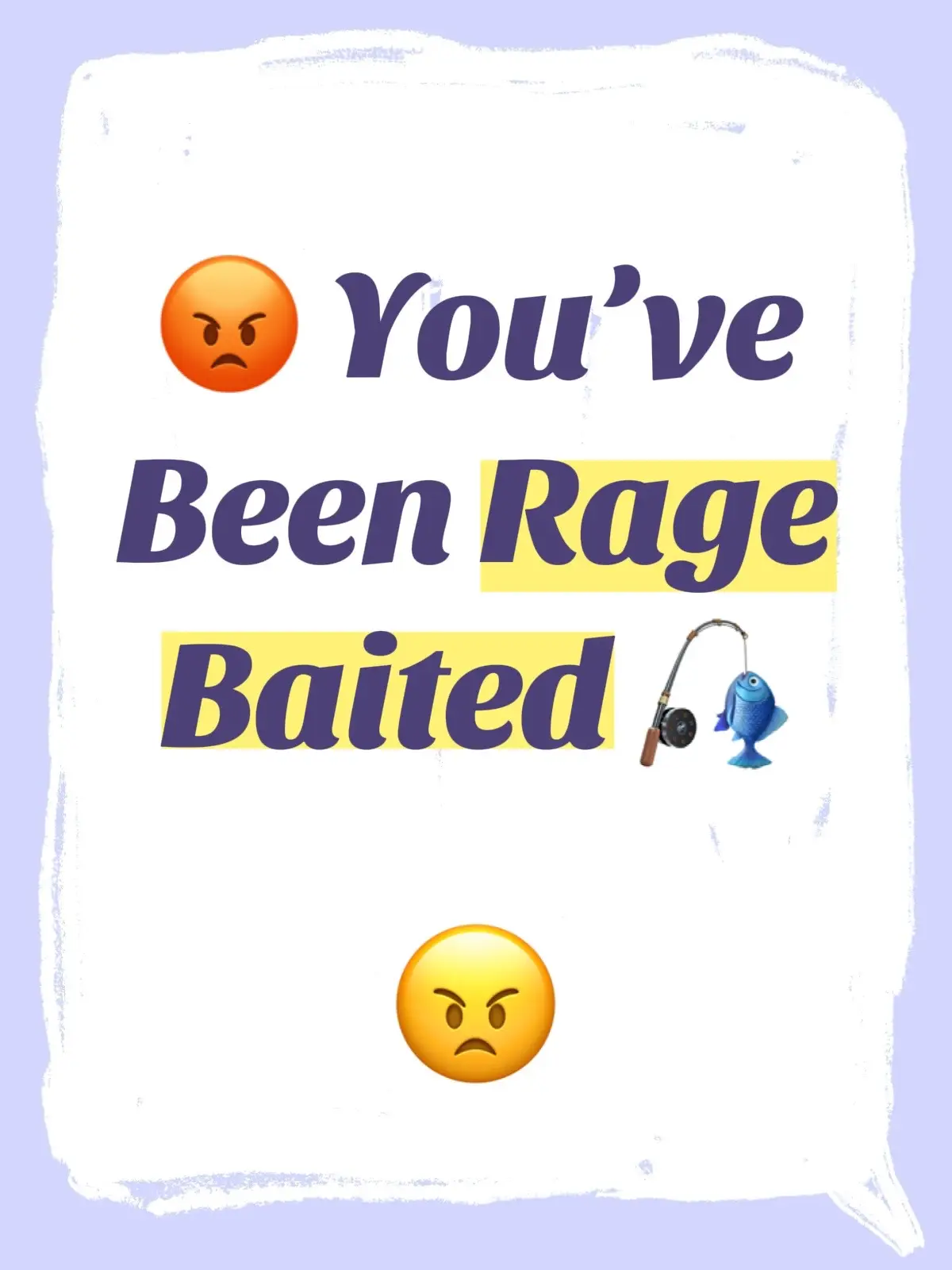
Hook
Where should we start?
@mindset.media.group
5.5K followers · usually 97 views a post
Views
97.5K
Likes
215
Comments
14
Shares
70
Promoted product
Creator Search Insights
Why it worked
The video provides a highly practical and actionable tutorial on a specific, valuable feature within TikTok, directly addressing a common pain point for creators (content ideation). The clear, step-by-step format and focus on a native platform tool make it highly relevant and useful.
Summary
The video provides a step-by-step guide on how to effectively use TikTok's Creator Search Insights tool to brainstorm content ideas and refine strategy. It covers accessing the tool, exploring key sections like Content Gap and Trending, validating ideas with demographics, and creating content strategically.
Structure
- 1Introduction to Creator Search Insights
- 2Step 1: Accessing the Tool
- 3Step 2: Exploring Key Sections (Content Gap, For You, Trending)
- 4Step 3: Validating and Refining Ideas
- 5Step 4: Creating Strategically
- 6Pro Tips and concluding remarks
Product placement
TikTok: This is the platform where the video is posted and where the Creator Search Insights tool is accessed. It acts as the substrate for the content. Removing it would change what happens in the video.
Creator Search Insights: This is a tool within TikTok that helps creators find content ideas. It is actively used and demonstrated in the video. Removing it would change what happens in the video.
Original caption
🔥 VIRAL IDEAS WITH TAKO Need content ideas? Ask Tako. Need a hook? Ask Tako. Need help finding your next viral post? Ask Tako. TikTok’s built-in AI assistant can help brainstorm content ideas, captions, titles, and creative angles when you’re stuck. Sometimes the next big idea is just one question away. Creators who win don’t wait for inspiration—they create systems that generate it. Follow @Mindset Media Group™ for more creator tools, AI tips, and growth strategies. ##tiktoktips #aicreator #firstchatwithtako #tiktokgrowth@TikTok Creator Academy
More from @mindset.media.group
More breakout videos from this creator.