Loading video…
All breakouts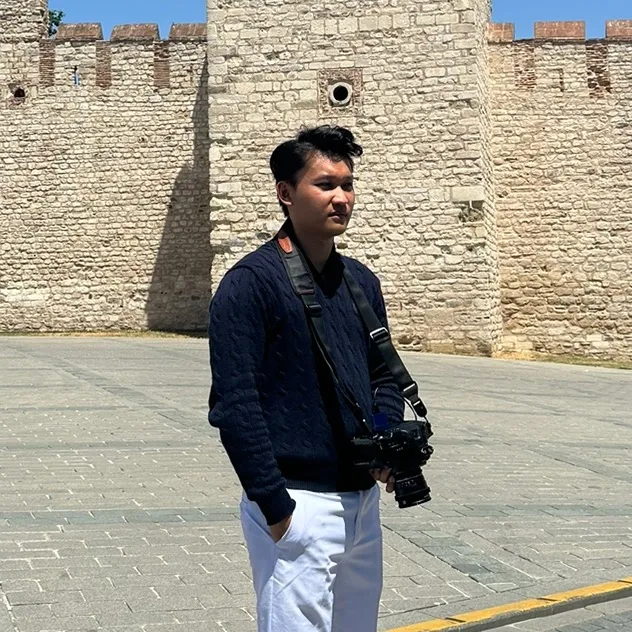
5.8App DemoStory Open hookAI Tools
Hook
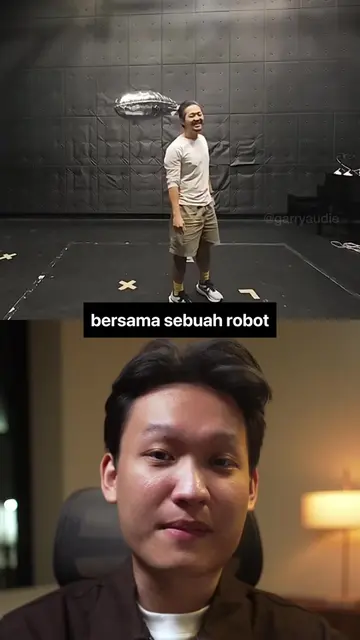
sekarang gw lagi ada di
@garryaudie
55.1K followers · usually 42.4K views a post
Views
252.7K
Likes
11.3K
Comments
90
Shares
3.0K
Promoted product
Luma AIwww.garryaudie.com ↗
Why it worked
The video effectively showcases a powerful AI tool's capabilities by demonstrating visually impressive transformations, making complex editing accessible through a clear, step-by-step tutorial. The creator's personal website being the promoted link adds a layer of authenticity and direct value for viewers interested in AI content creation.
Summary
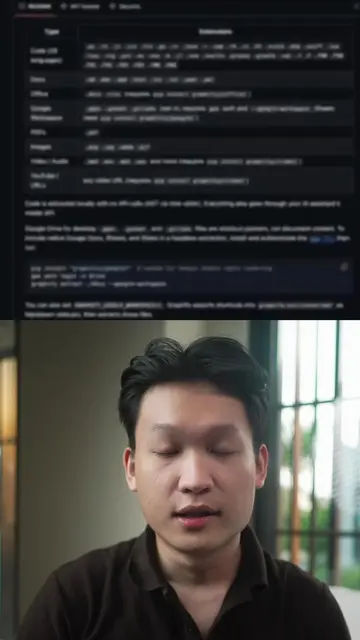
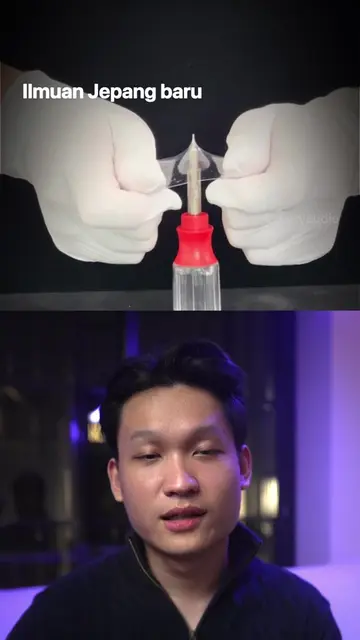
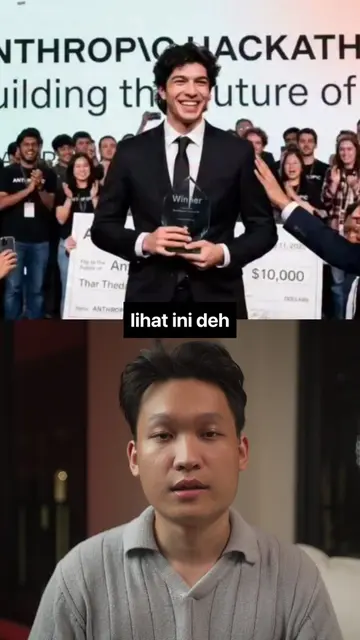
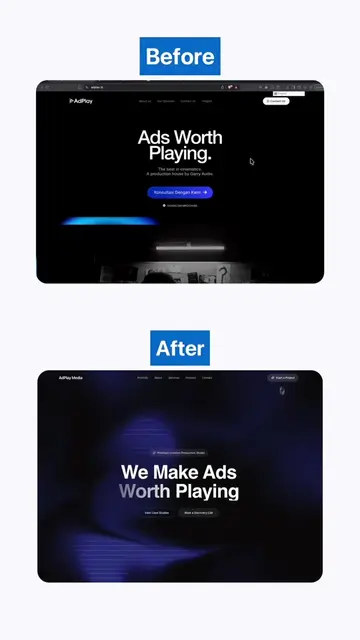
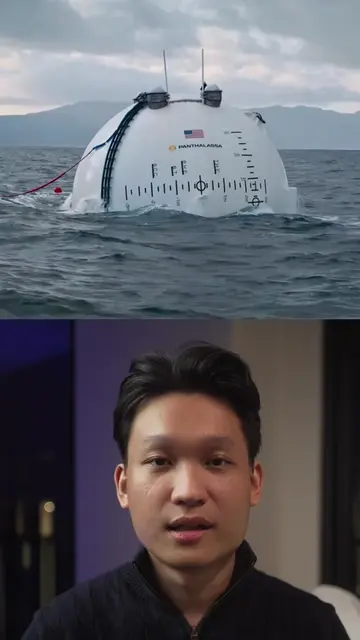
The creator demonstrates how to use Luma AI's Ray3.2 Modify tool to change video backgrounds, lighting, and outfits, transforming ordinary footage into cinematic scenes. The tutorial walks through extracting frames, modifying images with prompts, and applying them to video keyframes.
Structure
- 1Introduction to Luma AI's capabilities
- 2Demonstration of background and lighting changes
- 3Outfit and scene transformation example
- 4Step-by-step tutorial on using the tool
- 5Final result and call to action
Product placement
Luma: ACTS - it is an AI video editing tool that allows users to modify backgrounds, lighting, and outfits, and create cinematic scenes from regular footage. The video demonstrates its use. Removing it would change what happens in the video.
Luma AI: ACTS - mentioned as the tool to try, with a link in bio. Removing it would change the call to action. www.garryaudie.com: ACTS - this is the creator's website, which is promoted as a resource for AI content creation, and the link is provided in the bio. Removing it would change the call to action.
Original caption
Luma baru aja keluarin Ray3.2 Modify, lu bisa ganti background, adjust lighting, ubah outfit, sampai bikin footage biasa jadi keliatan kayak scene film dengan workflow keyframe kayak gini. @Luma link nya ada di bio #Luma #AIRelighting #AIVideoEditing #CreativeAI #GenerativeAI
More from @garryaudie
More breakout videos from this creator.