Loading video…
All breakouts
5.1Talking HeadWarning hookOther
Hook
NUNCA DEIXE O IPHONE NA TOMADA
@puccistudio
581.3K followers · usually 71.1K views a post
Views
244.9K
Likes
6.7K
Comments
90
Shares
1.0K
Promoted product
—
Why it worked
This video provides a practical and useful tip for iPhone users, leveraging a common pain point (forgetting to unplug the phone) and offering a creative solution using built-in features and readily available online tools. The step-by-step tutorial format makes it easy to follow and replicate.
Summary
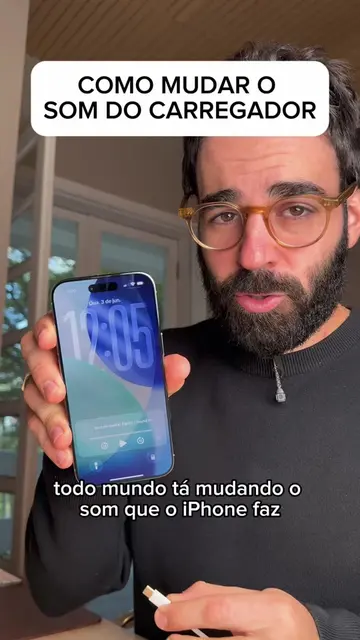
This video demonstrates how to set up an iPhone automation to play a sound when the battery reaches 100%, preventing users from forgetting their phone plugged in. It involves downloading an audio file from YouTube and configuring the Shortcuts app to trigger the sound at a specified battery level.
Structure
- 1Introduction: iPhone charging alert
- 2Download audio from YouTube
- 3Use a YouTube to MP3 converter
- 4Set up automation in Shortcuts app
- 5Configure battery level trigger
- 6Select audio file and save automation
- 7Call to action: share custom sounds
Product placement
Original caption
Como nunca mais esquecer o iPhone na tomada carregando porque ele vai tocar um som pra te lembrar de tirar ele.
More from @puccistudio
More breakout videos from this creator.