Loading video…
All breakouts
86.9Talking HeadPOV / Skit hookSaaS
Hook
What my Busy Tag looks like on my most productive day
@busytag
4.7K followers · usually 1.5K views a post
Views
117.1K
Likes
1.6K
Comments
5
Shares
168
Why it worked
The video effectively demonstrates a practical use case for the Busy Tag, showing how it can automate status updates and signal availability, which appeals to viewers interested in productivity and office setups. The clear visual transitions and the 'link in bio' call to action encourage engagement and potential purchases.
Summary
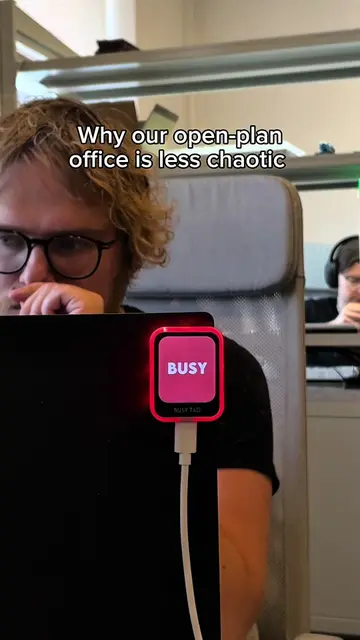
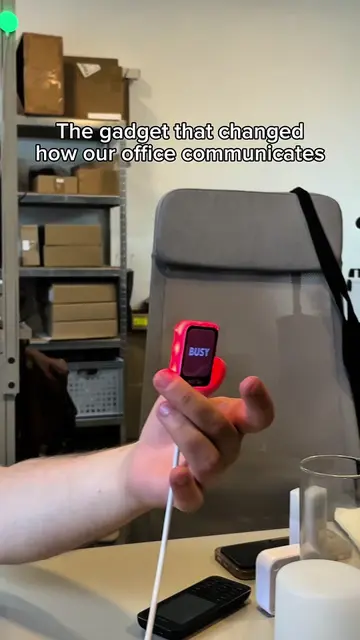
The video showcases the Busy Tag device, which changes its display to reflect the user's availability status throughout the workday. It demonstrates transitions from 'busy' to 'available', 'do not disturb', 'break', and 'out of office' without manual intervention, highlighting its role in managing productivity.
Structure
- 1Busy Tag display showing 'BUSY'
- 2Busy Tag display showing 'LET'S TALK'
- 3Busy Tag display showing 'DO NOT DISTURB'
Original caption
Watch how the screen changes from deep work to in a meeting to available without me touching anything. Watch till the end for the wind-down setup. ⚡ Would you actually stick to a routine like this? 👇 #busytag #productivity #deepwork #worksetup
More from @busytag
More breakout videos from this creator.