Loading video…
All breakouts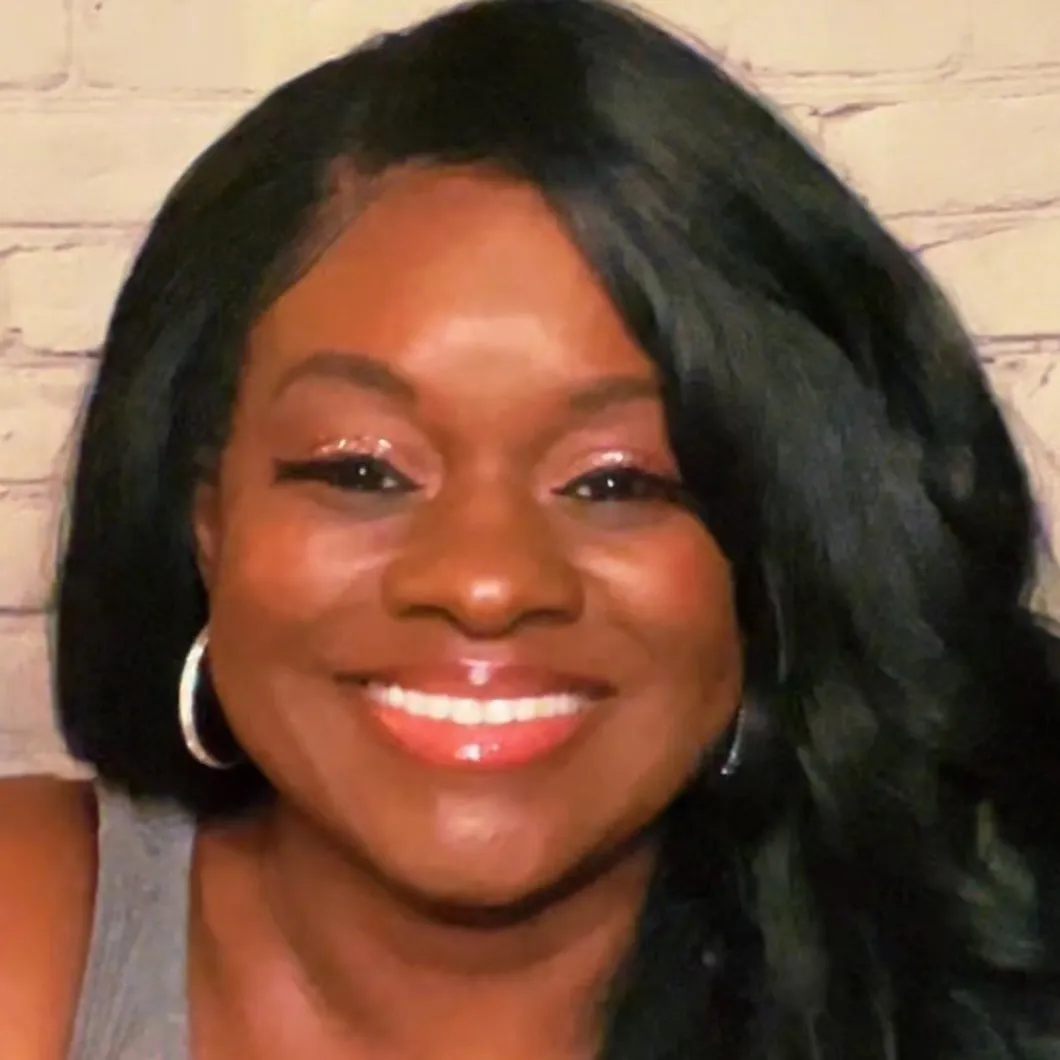
6.3Text-HeavyOther hookAI Tools
Hook
ChatGPT made these stickers from photos 👀
@shafontiadigital
5.4K followers · usually 1.1K views a post
Views
6.7K
Likes
617
Comments
782
Shares
105
Promoted product
AI Creators Academy Mentorshiphttps://stan.store/affiliates/d0daac02-f05d-4db8-9822-46a5a037bc40 ↗
Why it worked
The video leverages the popular trend of AI-generated art and provides a practical, step-by-step tutorial with a valuable free resource (cheat sheet). The use of visually appealing examples and clear instructions makes it highly shareable and engaging.
Summary
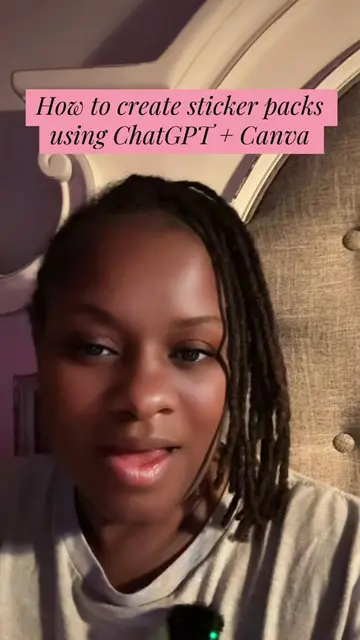
This video demonstrates how to use ChatGPT and Canva to create custom stickers from photos. It shows examples of realistic and chibi-style stickers, including ones of the creator and her dog, and provides a step-by-step guide on the process, encouraging viewers to comment 'STICKER' to receive a free cheat sheet.
Structure
- 1Introduction to creating stickers with ChatGPT
- 2Demonstration of creating realistic and chibi stickers
- 3Step-by-step tutorial using ChatGPT and Canva
- 4Tips for selling stickers and a beginner's tip
- 5Call to action for a free cheat sheet and to follow
Product placement
ChatGPT is used to generate sticker images from photos. Canva is used for editing and adding borders. The creator also promotes her own 'AI Creators Academy Mentorship' via a Stan Store link, offering a free cheat sheet for creating stickers.
Original caption
Did you know ChatGPT can turn your photos into stickers? 👀 I'm sharing exactly how I do it, and yes, I made you a free cheat sheet with the step-by-step process. Once you learn it, you can use the same method to create stickers, ebooks, planners, templates, and more. Comment STICKER and I'll send you the cheat sheet. Save this for later and follow me for more beginner-friendly ChatGPT + Canva tutorials. #chatgpt #canva #stickers #digitalproducts
More from @shafontiadigital
More breakout videos from this creator.