Loading video…
All breakouts
3.7App DemoOther hookCreator Economy
Hook
I learned something new!
@kendras_gotwood
66.6K followers · usually 1.6K views a post
Views
5.9K
Likes
154
Comments
21
Shares
9
Promoted product
Lightburn
Why it worked
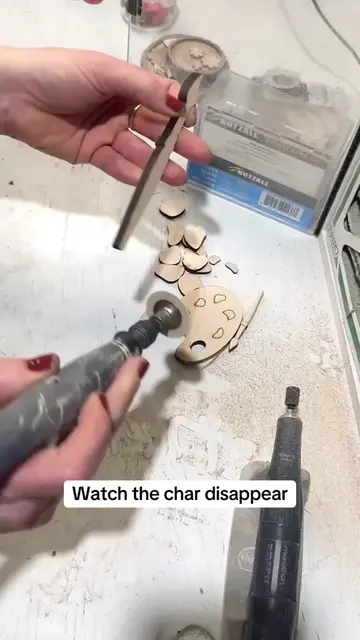
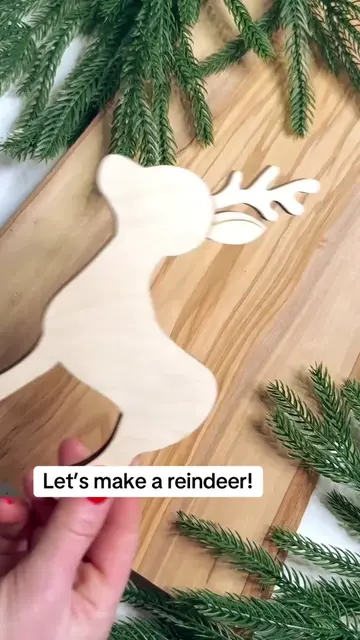
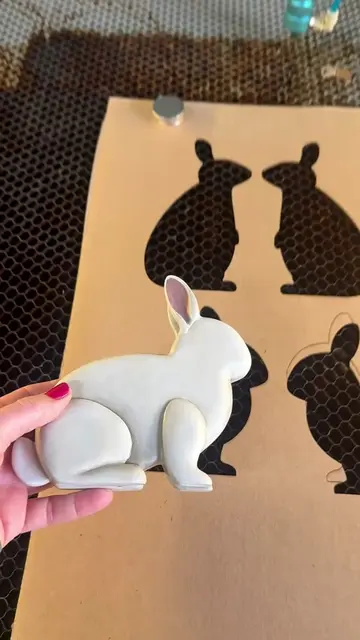
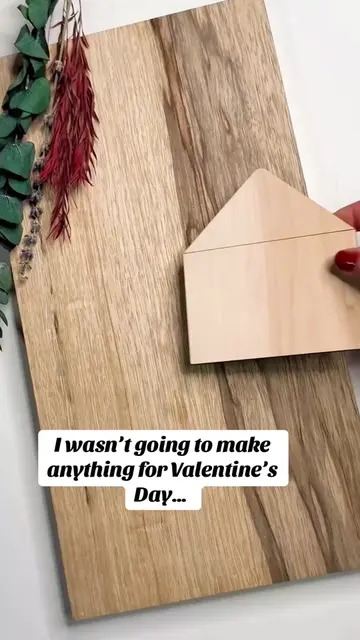
The video effectively showcases a satisfying creative process using a laser cutter, appealing to DIY enthusiasts and artists. The 'print and cut' feature is visually demonstrated, highlighting the precision and ease of creating custom items.
Summary
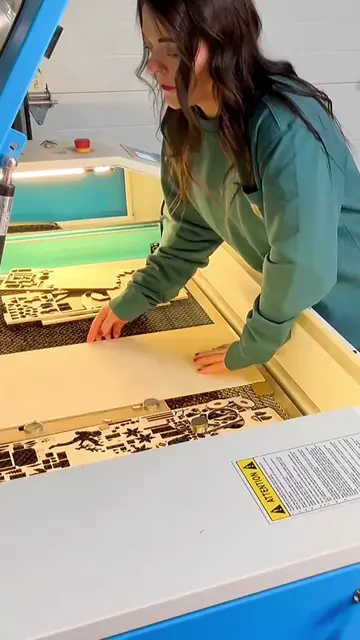
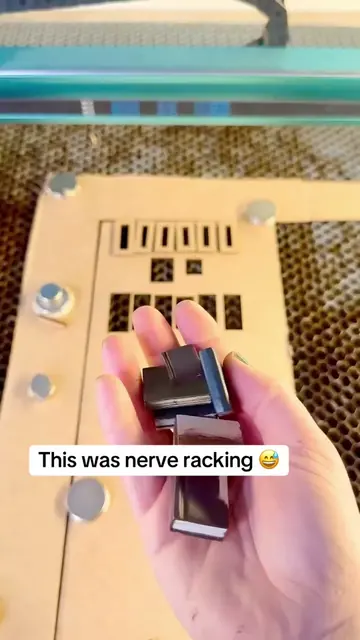
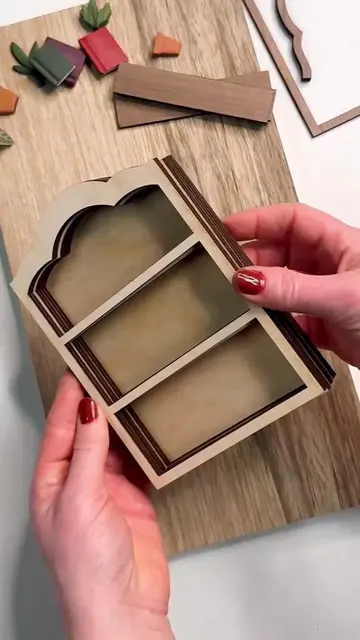
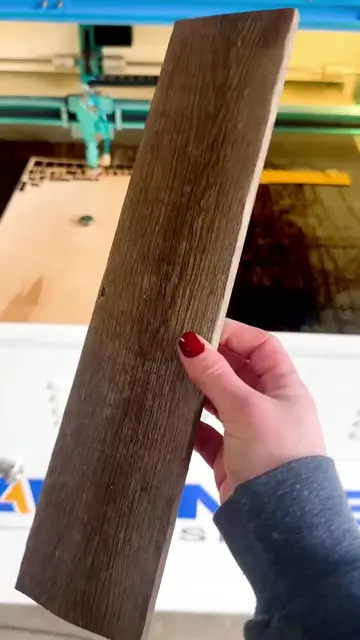
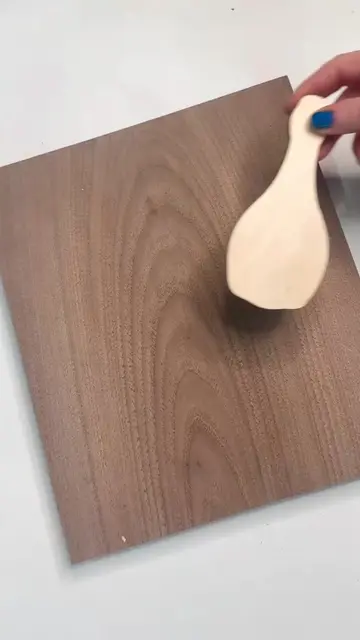
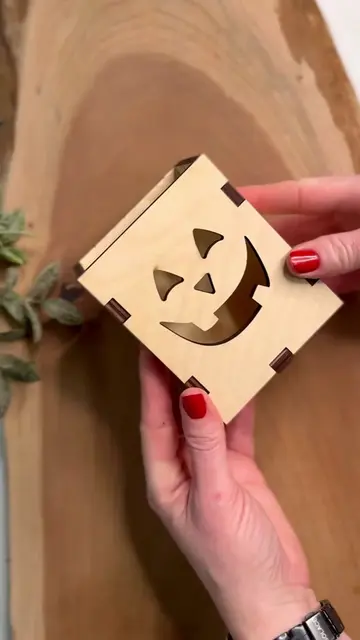
The video demonstrates the print and cut feature of the Eufy Make laser engraver using Lightburn software. It shows the process of printing designs onto wood and then using the laser to cut them out, resulting in custom wooden ornaments.
Structure
- 1Setting up the material on the Eufy Make.
- 2Showing the design on the material.
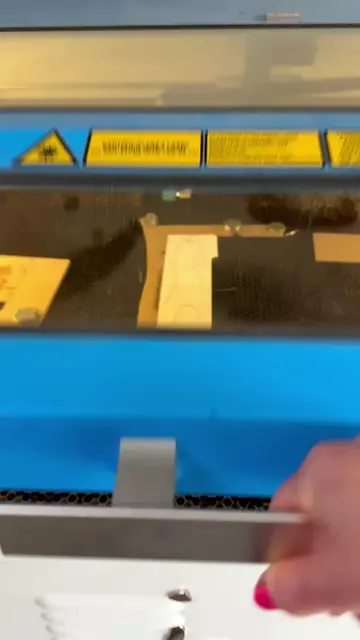
- 3Operating the laser cutter for the print and cut process.
- 4Removing the cut-out designs.
- 5Displaying the finished wooden ornaments.
Product placement
Original caption
Finally tried the print and cut feature in lightburn with my Eufy print and Thunder laser! #uvprinter #lasermaker #lasermachine #digitalart #lasercutting
More from @kendras_gotwood
More breakout videos from this creator.