Loading video…
All breakouts
6.2Talking HeadHow-To hookConsumer Apps
Hook
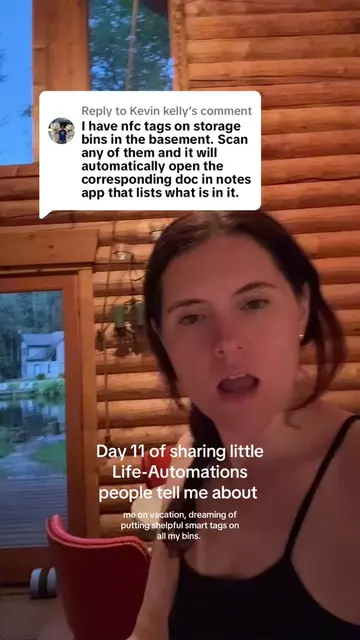
I promised I'd do a demo of how you can stick a smart sticker on a storage bin so that you can scan it with your phone to see the contents or scan it with your phone to add to the contents
@automaticallyadhd
115.9K followers · usually 5.9K views a post
Views
36.2K
Likes
978
Comments
18
Shares
263
Why it worked
The video provides a practical and visually engaging demonstration of a useful organizational hack using readily available technology (NFC stickers and smartphones). The creator's clear explanation and step-by-step walkthrough make the concept easy to understand and replicate, appealing to a broad audience interested in home organization and productivity.
Summary
The creator demonstrates how to use NFC stickers to organize storage bins. By tapping a sticker with a phone, users can either view the contents of the bin or add new items by taking a photo and labeling it. The creator also mentions that this automation can be integrated with shopping lists or AI task managers and that a pre-built shortcut is available.
Structure
- 1Introduction to NFC stickers for bin organization
- 2Demonstration of scanning a sticker to see bin contents
- 3Demonstration of scanning a sticker to add items (photo and label)
Original caption
Tap your phone to a sticker and see a full inventory of the bin! Love this use-case. Follow me for all the automation and AI tips for home and life. The small things that add up. You could also add a 3rd option if you notice you are out of something to scan it and add something to Instacart shopping list or you shelpful AI task manager to remind you to get it. If you want the pre-built one / tips on how to set up, find the 60+ Shortcuts Library in my resources ◡̈
More from @automaticallyadhd
More breakout videos from this creator.