Loading video…
All breakouts
3.5App DemoOther hookEducation
Hook
valzz bang versi Noval udah follow pliss
@nsrltutorial
365.9K followers · usually 177.9K views a post
Views
594.6K
Likes
10.6K
Comments
7.8K
Shares
4.9K
Why it worked
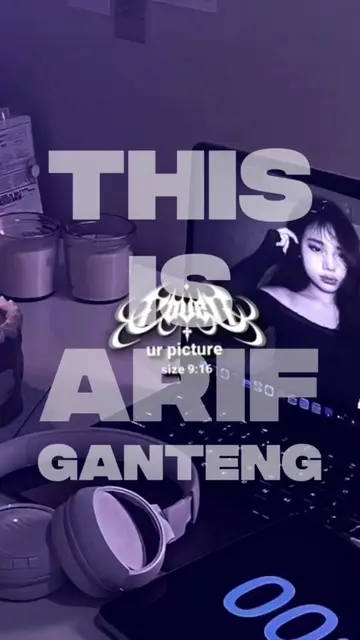
The video provides a clear, step-by-step tutorial on a popular video editing app (CapCut) using trending AI features. The use of on-screen text and visual cues makes it easy to follow, even for beginners.
Summary
This video demonstrates how to use CapCut to create a video with AI voiceover and effects. It guides the viewer through adding text, selecting an AI voice, applying audio effects, and adjusting speed and pitch to match the text's appearance.
Free accountLocked — create a free account to open
Transcript, structure and on-screen text
5 beats, a 98-word transcript and 91 lines of on-screen text — the parts you need to write your own version.
Original caption
VERSI NAMA NOVAL NEXT NAMA SIAPA 🔂#CapCut #capcutpioneer #pioneertemplate #nsrltutorial #kreasicapcut
More from @nsrltutorial
More breakout videos from this creator.