Loading video…
All breakouts
 CapCutseen in 576 videos →
5.3App DemoHow-To hookCreator Economy
Hook
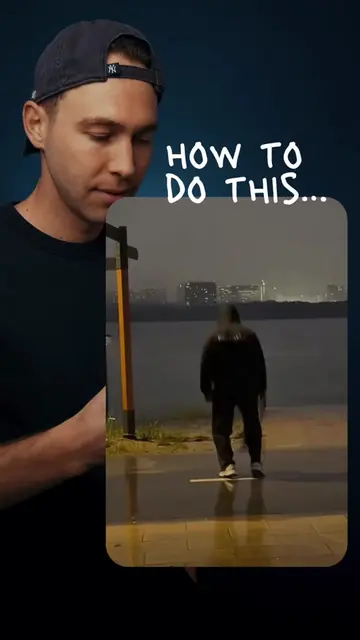
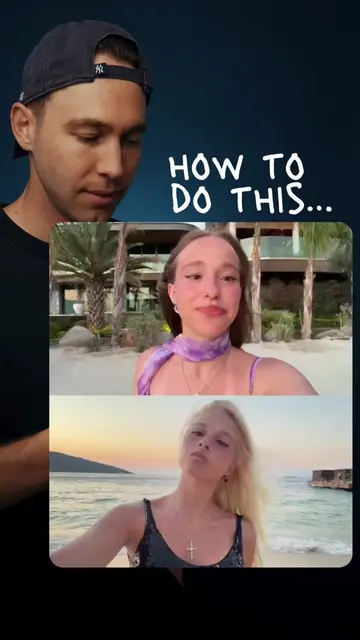
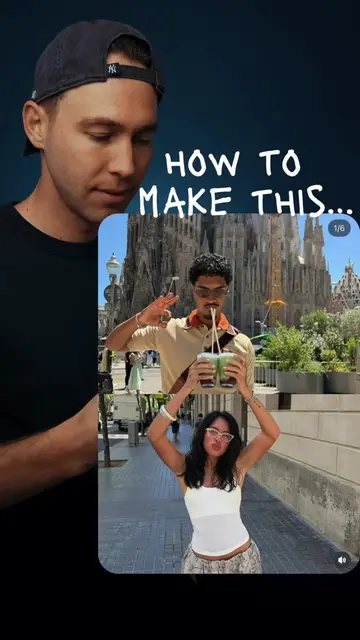
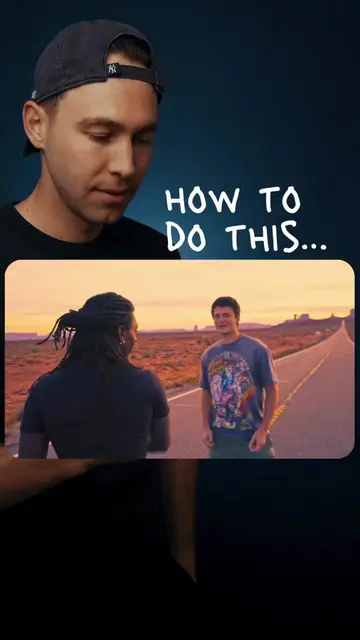
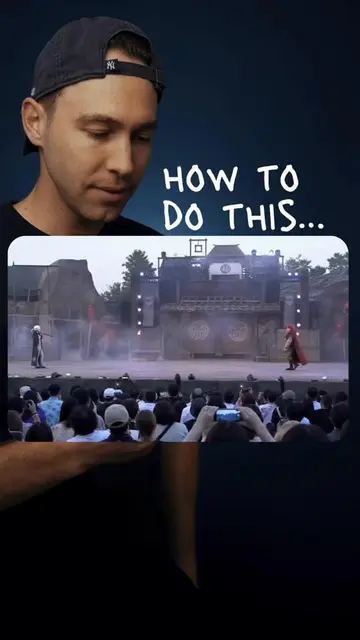
HOW TO DO THIS...
@stevenwommack
2.5M followers · usually 148.5K views a post
Views
749.8K
Likes
45.2K
Comments
122
Shares
4.1K
Selling · SaaS › Other SaaS
Why it worked
The video provides a clear, step-by-step tutorial for a visually appealing editing technique that is easy to replicate, making it highly shareable and engaging for users interested in content creation.
Summary
This video demonstrates how to create a stop-motion style breakfast toast video using CapCut. It guides viewers through filming each step, using the freeze-frame feature, and adding animated drawings to highlight ingredients.
Structure
- 1Film toast making with freeze frames
- 2Delete intermediate clips
- 3Add animated drawings to toppings
- 4Export final video
Product placement
The video is a tutorial on how to use the CapCut app to edit a video, specifically demonstrating features like freeze frame, drawing, and animation.
Call to action
Export
On-screen text
HOW TO DO THIS...
AI UHD
Export
Original caption
CapCut Bread drawing video edit tutorial #CapCut #capcutpioneer
More from @stevenwommack
Their other posts in the index, biggest breakout first.