Loading video…
All breakouts
 CapCutseen in 576 videos →
10.7App DemoHow-To hook
Hook
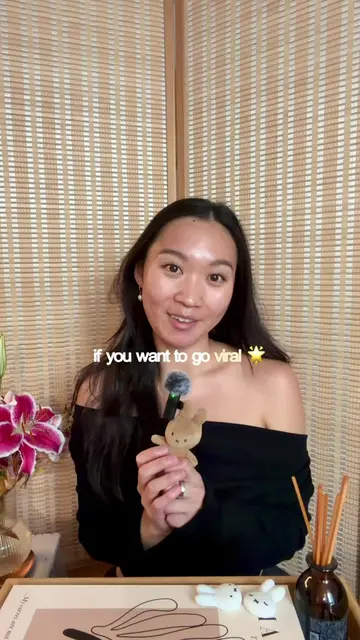
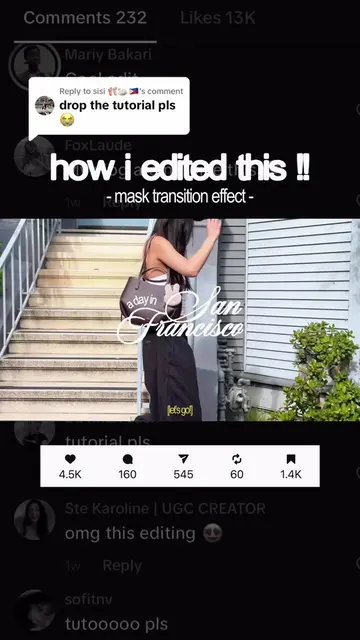
how i edited this !!
@celfstudio
52.5K followers · usually 44.8K views a post
Views
416.7K
Likes
46.7K
Comments
228
Shares
3.8K
Selling · SaaS › Other SaaS
Why it worked
The video provides a clear, step-by-step tutorial for a popular editing effect, directly addressing viewer requests and offering value to aspiring content creators.
Summary
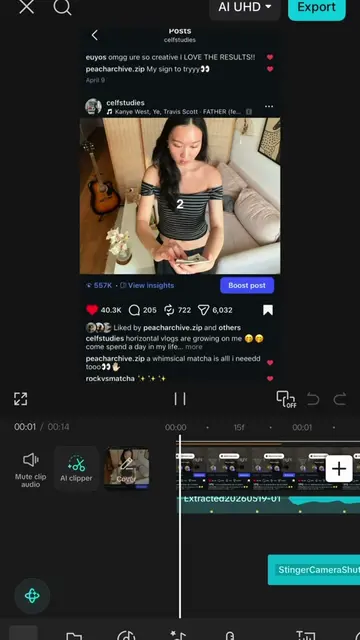
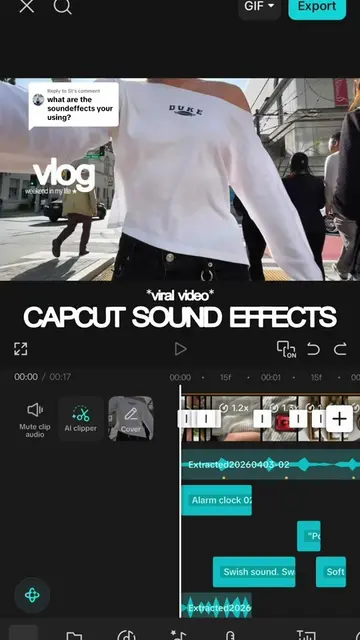
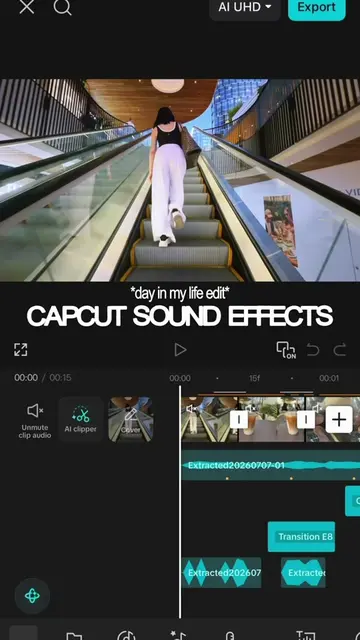
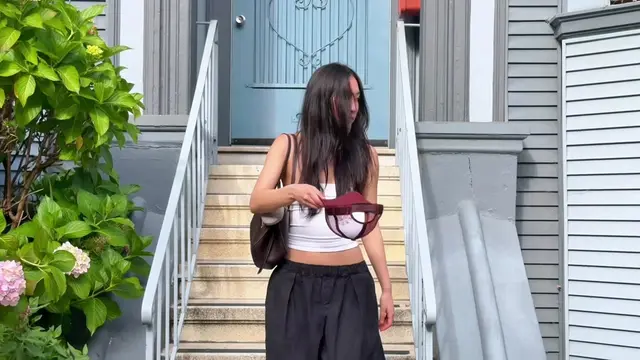
This video demonstrates how to create a "pop-in effect" using the CapCut editing app. The tutorial guides viewers through importing clips, cropping them, duplicating and overlaying them, and then using the custom removal feature to achieve the desired effect.
Structure
- 1Introduction to the "pop-in effect" tutorial series
- 2Importing and cropping clips in CapCut
- 3Duplicating and overlaying clips
- 4Using custom removal to isolate elements
- 5Repeating the process for the desired effect
Product placement
CapCut: ACTS - it is the video editing software used to create the pop-in effect. Removing it would change what happens in the video. It is the subject of the tutorial.
beacons.ai: APPEARS - it is a link aggregator in the creator's bio. Removing it would not change what happens in the video.
On-screen text
Original caption
Replying to @Naj ♡ the long awaited pop-in effect tutorial !! 🎥 welcome to episode 1 of the “celf studying series” !! stay tuned for more editing tutorials, fonts/soundfx/animation recommendations, and content creation tips 🤓 let me know what you want to see next !! #editing #editingtutorial #capcuttutorial #capcut #contentcreator capcut, overlay effect, visual hook
More from @celfstudio
Their other posts in the index, biggest breakout first.