Loading video…
All breakouts
 3 videos
4.6App DemoHow-To hookCreator Economy
Hook
HOW I CREATE
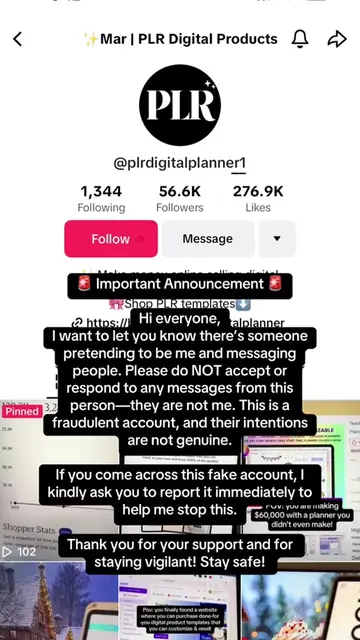
@plrdigitalplanner
174.9K followers · usually 2.6K views a post
Views
9.5K
Likes
420
Comments
5
Shares
85
Promoted product
PLR Digital Plannerplrdigitalplanner.com
Launch your digital product empire! For Entrepreneurs ready to brand their empire
Why it worked
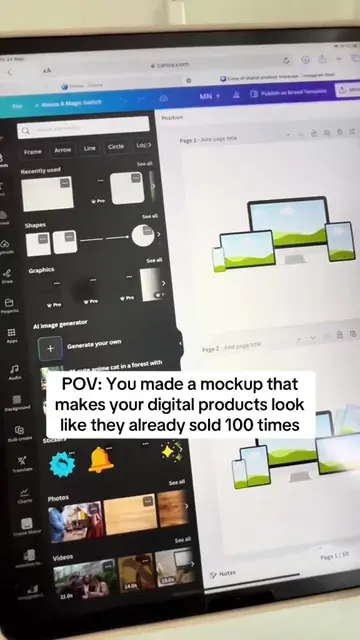
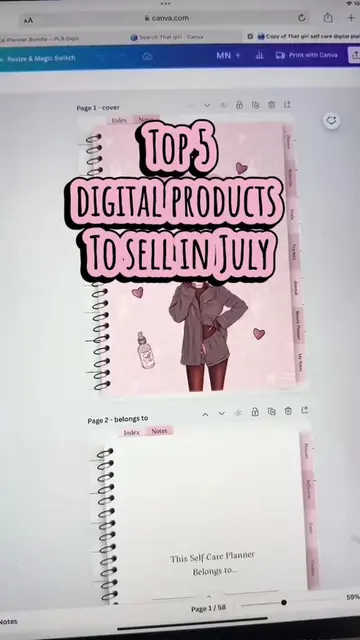
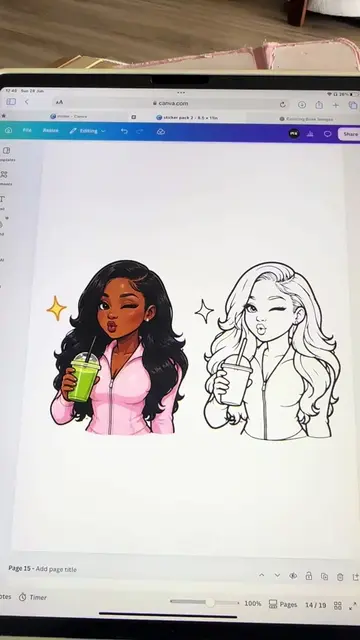
The video provides a clear, step-by-step tutorial on how to create cohesive digital planners using a prompt generator and ChatGPT, appealing to creators looking to monetize digital products.
Summary
The video demonstrates how to use a prompt generator tool to create consistent planner pages. The creator explains that by keeping the style, theme, and colors the same and only changing the planner page type, users can ensure their planner pages look cohesive.
Structure
- 1Introduce prompt builder for planner pages
- 2Show different planner page types
- 3Copy and paste prompt into ChatGPT
- 4
Original caption
How I create planner pages in minutes using my prompt generator and ChatGPT to make money online as a sham. #digitalplanner #sahm #digitalproductsforbeginners #digitalproduct #stayhomemom
More from @plrdigitalplanner
More breakout videos from this creator.