Loading video…
All breakouts Open on TikTok
Preview coming soon · watch on TikTok below
2.9
Post
Post by @f9finance
@f9finance
59.6K followers · usually 993 views a post
Views
2.9K
Likes
65
Comments
1
Shares
9
Insights are coming soon — this post is queued.
Original caption
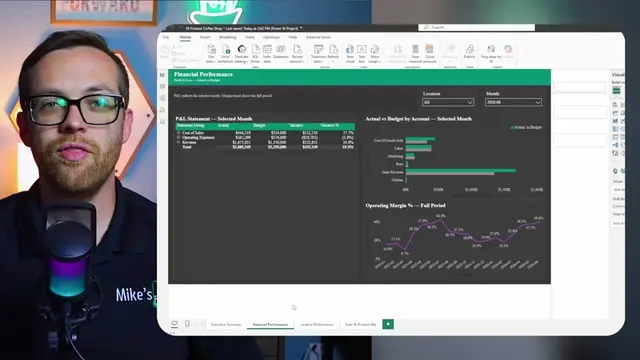
I rebuilt my entire month-end board deck with Claude For PowerPoint. Nine slides, on my company template, from one prompt. Claude For PowerPoint runs as an add-in right inside PowerPoint, reads your actual GL and transaction data, builds the charts, writes the commentary in your style, and matches your brand. This is finance automation that produces a real .pptx you can present, not a generic AI slide tool that decorates a text prompt. In this video I walk through the exact workflow I use for month-end reporting: AI for finance that goes from a raw P&L export to a board-ready CFO deck. You’ll see how to install the Claude add-in, how to match your company template first, how to build and then edit a slide just by talking to it, and how Claude planned and built a full nine-slide month-end deck on its own, flagging its own data caveats along the way. If you lose hours every close to FP&A reporting and finance workflows that never change, this is the time back.
More from @f9finance
Their other posts in the index, biggest breakout first.