Loading video…
All breakouts
4.0App DemoHow-To hookFinance
Hook
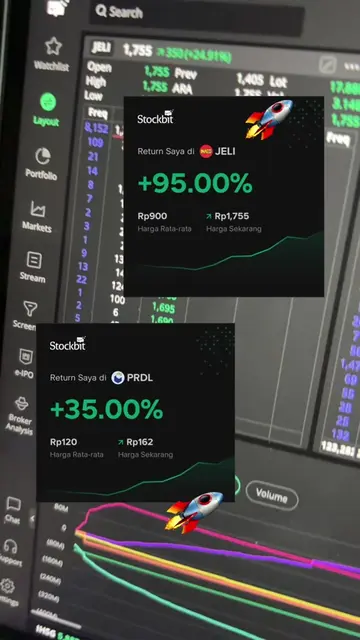
Buat kakak-kakak yang baru pertama kali pesan saham IPO, ini namanya e-IPO Stockbit ya
@stockbit.com
506.9K followers · usually 14.6K views a post
Views
69.7K
Likes
1.8K
Comments
83
Shares
89
Why it worked
The video effectively targets new investors by providing a clear, step-by-step tutorial on a potentially complex process (ordering IPO stocks). The use of on-screen text and app demonstrations makes it easy to follow, and the soft-sell approach integrates the product naturally into helpful content.
Summary
The video demonstrates how to use the Stockbit app to order IPO stocks. It guides users through the process of viewing available IPO stocks, reading unboxing information, filling in order details, and confirming the order. The app is presented as a user-friendly platform for retail investors to participate in IPOs.
Structure
- 1Introduction to e-IPO Stockbit for first-time IPO investors
- 2Viewing the list of upcoming IPO stocks
- 3
Original caption
Pesan saham IPO di e-IPO Stockbit ya😉 #sahamIPO #stockbit #fiturIPOStockbit #sahamindonesia
More from @stockbit.com
More breakout videos from this creator.