Loading video…
All breakouts
9.6Talking HeadHow-To hookAI Tools
Hook
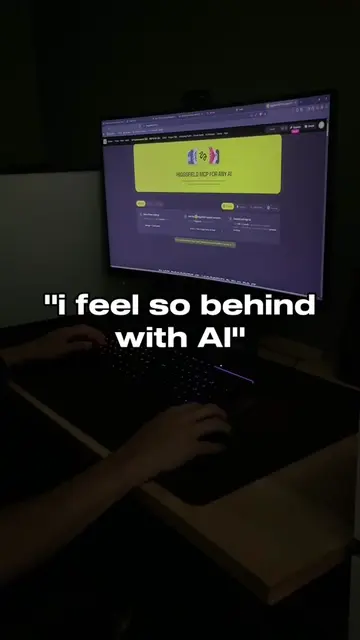
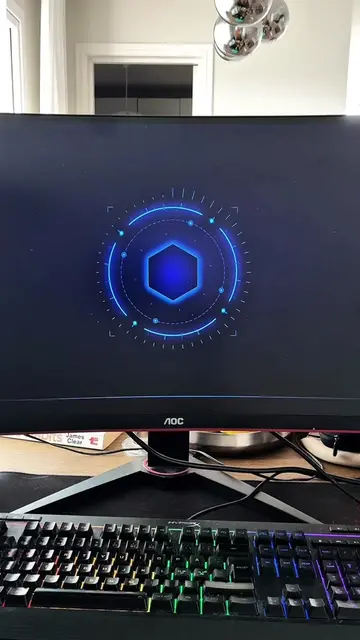
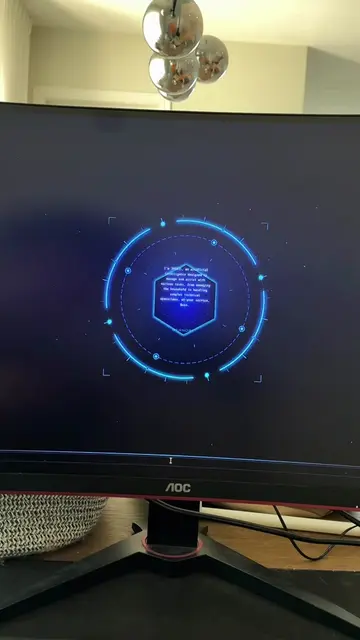
How I Built Jarvis AI
@dhaibuilds
8.1K followers · usually 1.8K views a post
Views
17.2K
Likes
872
Comments
71
Shares
73
Promoted product
Jarvis AIhttps://linktr.ee/dhaibuilds ↗
Why it worked
The video taps into the popular interest in AI assistants and the 'build it yourself' trend, offering a seemingly accessible way to create a personalized AI. The promise of advanced features and a detailed guide, combined with a clear call to action, likely drove engagement.
Summary
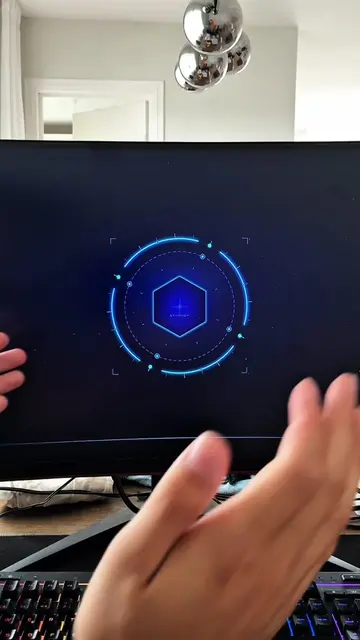
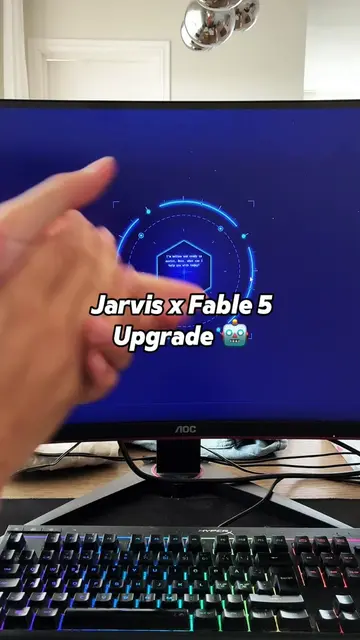
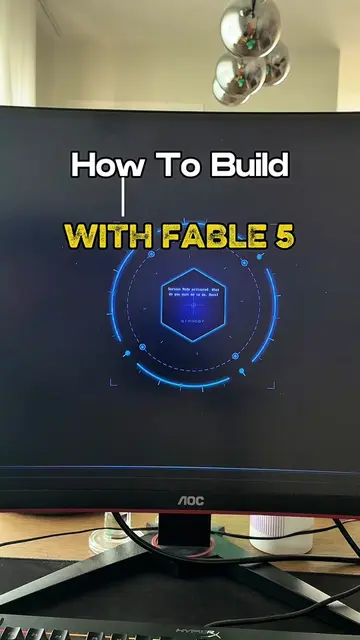
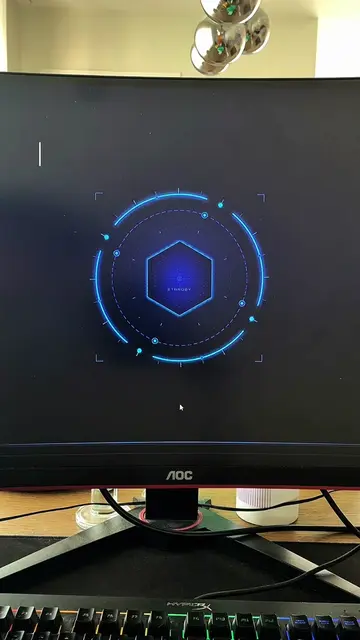
This video explains how to build a personalized AI assistant, similar to Jarvis, with zero coding experience. It guides viewers through finding an interface, obtaining a voice from ElevenLabs, and getting an API key from an AI assistant like ChatGPT or Claude. The creator offers a detailed guide covering these steps and more advanced features like computer control.
Structure
- 1Introduction to building Jarvis AI
- 2Finding and creating an interface
- 3Getting voice from ElevenLabs
- 4Obtaining an API key from an AI assistant
- 5Creating a detailed prompt
- 6Reviewing and finalizing the prompt
Original caption
Go build your own Jarvis AI. All information on my Instagram @dhaibuilds #jarvis #jarvisai #aiassistant #aitools #productivity
More from @dhaibuilds
More breakout videos from this creator.