Loading video…
All breakouts

3.9App DemoHow-To hookCreator Economy
Hook
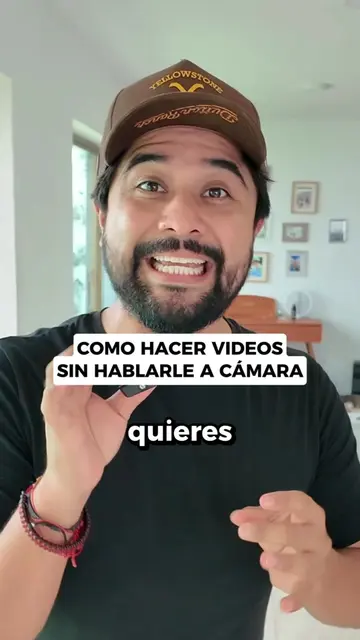
COMO CONGELAR UNA PARTE DE MI VIDEO
@creadorestv
1.3M followers · usually 112.0K views a post
Views
434.6K
Likes
22.0K
Comments
228
Shares
1.7K
Promoted product
Diego Gutierrez TV coursediegogutierreztv.com
Diego Gutierrez TV
Why it worked
The video provides a clear, step-by-step tutorial for a popular video editing effect that many users would find useful for their own content. The use of a relatable scenario (tripping) and the direct demonstration within the TikTok app itself make the technique easy to understand and replicate.
Summary
The video demonstrates how to freeze a specific moment in a video using the TikTok editing app. The creator shows how to select a point in the timeline, split the video, freeze the frame for a desired duration, and then continue the video, creating a "frozen moment" effect.
Free accountLocked — create a free account to open
Transcript, structure and on-screen text
8 beats, a 337-word transcript and 71 lines of on-screen text — the parts you need to write your own version.
Original caption
como hacer para pausar una parte de mi video y luego se siga reproduciendo 😮
More from @creadorestv
More breakout videos from this creator.