Loading video…
All breakouts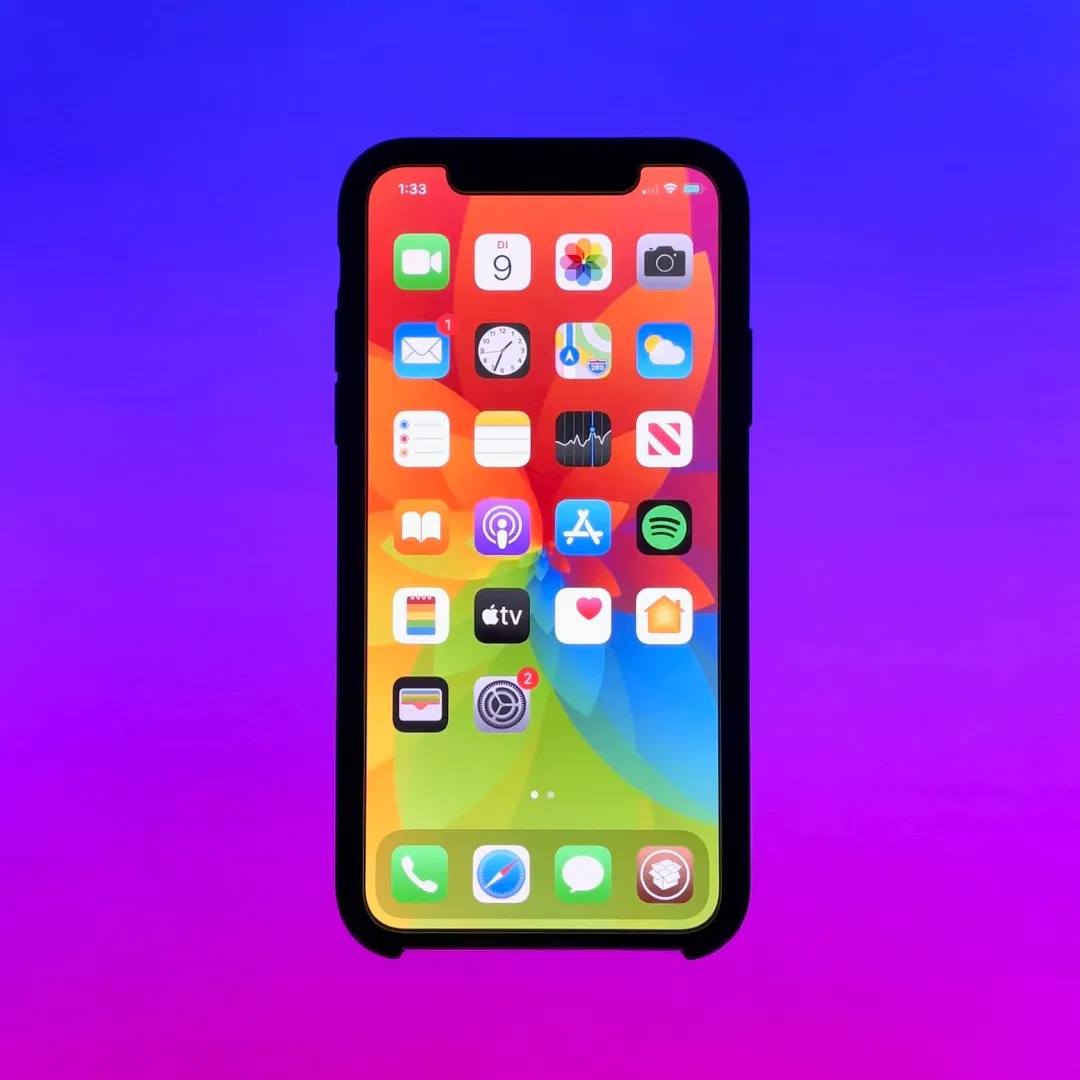
12.8Talking HeadOther hookConsumer Apps
Hook
COOLest iPhone Wallpaper!🔥
@julianalexanderthies
1.8M followers · usually 81.3K views a post
Views
1.0M
Likes
19.3K
Comments
267
Shares
891
Promoted product
iPhone Wallpaper
Why it worked
The video taps into the desire for personalization and aesthetic appeal on a popular device, offering a visually engaging tutorial for a feature that many users might not be fully utilizing.
Summary
The video demonstrates how to create a dynamic and visually appealing "photo shuffle" wallpaper on an iPhone. It shows the process of selecting photos and customizing the wallpaper settings to achieve a unique look.
Structure
- 1Showcase of the "coolest" iPhone wallpaper effect
- 2Demonstrate accessing wallpaper customization
- 3Select "Photo Shuffle" option
- 4Choose photos from the library
- 5Apply and preview the dynamic wallpaper
Product placement
iPhone: it is the device on which the wallpaper is displayed and manipulated. Removing it would change what happens in the video.
Apple: it is the brand of the iPhone. Removing it would not change what happens in the video.
Call to action
Follow for more
On-screen text
COOLest
iPhone Wallpaper!
Follow for more
Original caption
Coolest iPhone Wallpaper!🔥 #fy #fyp #Tech #apple #wallpaper
More from @julianalexanderthies
More breakout videos from this creator.


