Loading video…
All breakouts
12.8AnimationResult / Flex hookConsumer Apps
Hook
Wait for result 🤯👉🏻
@saad_dev
21.9K followers · usually 1.9K views a post
Views
23.6K
Likes
1.8K
Comments
16
Shares
126
Why it worked
The video likely performed well due to the mesmerizing visual output of the Python code. The "Wait for result" text builds anticipation, and the final colorful, intricate animation is visually appealing and satisfying, making it highly shareable.
Summary
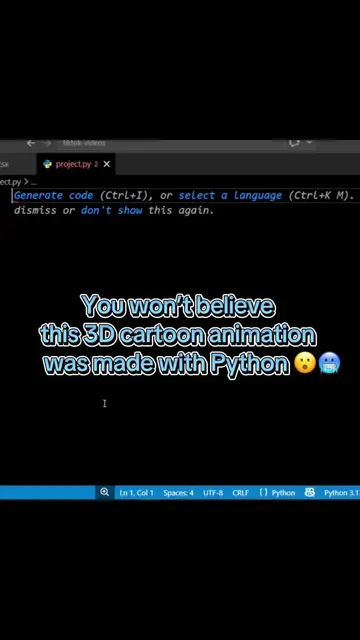
The video shows a Python script being written line by line, which then generates a colorful, intricate flower-like animation. The code sets up the turtle graphics environment, defines colors, and then uses nested loops to draw multiple circles and lines, creating a complex geometric pattern.
Structure
- 1Setting up the Python turtle graphics environment
- 2Configuring speed, tracer, width, and background color
- 3Positioning the turtle and setting its heading
- 4Drawing a complex geometric pattern using nested loops and colors
- 5Hiding the turtle and completing the drawing
Product placement
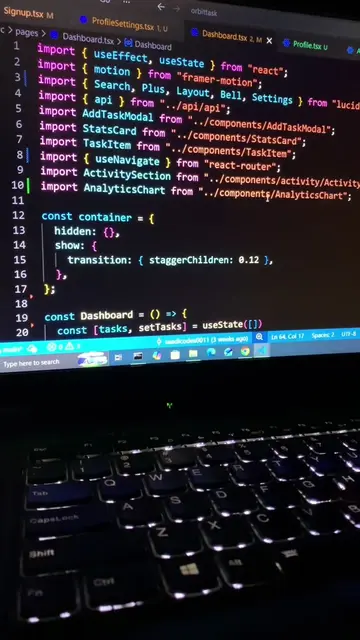
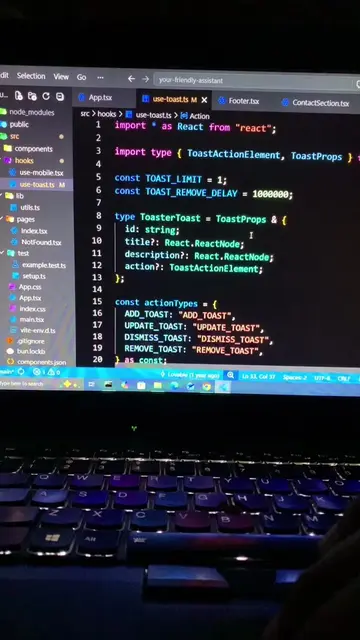
The video shows code being written in a Python IDE (likely VS Code) and then uses the Python turtle graphics library to create an animation. The code itself is the focus, and the output is a visual graphic.
On-screen text
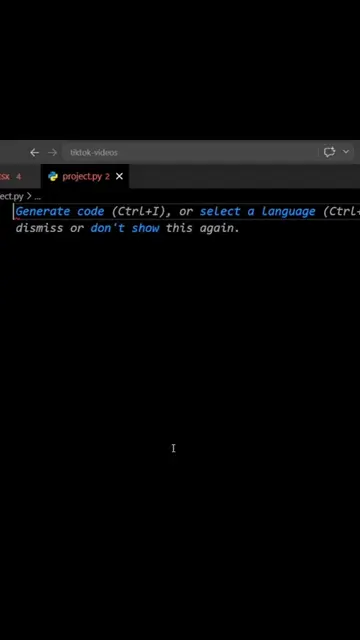
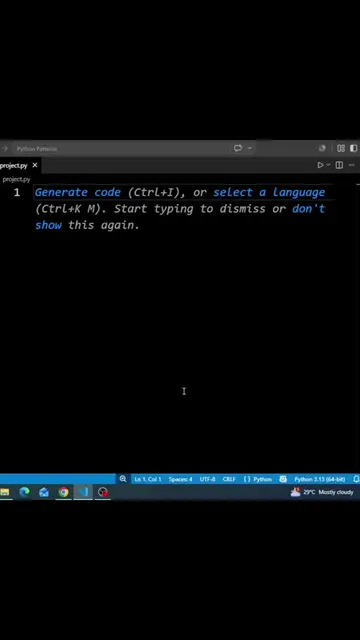
project.py 2 x
project.py > _
1 Generate code (Ctrl+I), or select a
Language (Ctrl+K M). Start typing
to dismiss or don't show this again.
Wait for result 🤯👉🏻
analyze.
Ln 1, Col 1 Spaces: 4 UTF-8 CRLF Python Python 3.11.4
from turtle import *
import colorsys
speed(0)
tracer(10)
width(2)
bgcolor("black")
penup()
goto(0, 0)
setheading(0)
pendown()
for j in range(25):
for i in range(15):
color(colorsys.hsv_to_rgb
(i / 15, j / 25, 1))
right(90)
circle(150 - j * 4, 90)
left(90)
circle(150 - j * 4, 90)
right(180)
circle(50, 24)
hideturtle()
done()
Python Turtle Graphics
Original caption
Wait for python Animation ✨👉🏻#programming #python #developer #coding #computer
More from @saad_dev
More breakout videos from this creator.