Loading video…
All breakouts
 CapCutseen in 576 videos →
3.7App DemoCuriosity Gap hook
Hook
ACCIDENTALLY DISCOVERED THAT
@peachedit83
13.0K followers · usually 76.2K views a post
Views
281.8K
Likes
5.7K
Comments
27
Shares
207
Selling · SaaS › Other SaaS
Why it worked
The video provides a clear, step-by-step tutorial for a visually engaging effect, making it highly shareable and useful for other creators looking to enhance their content.
Summary
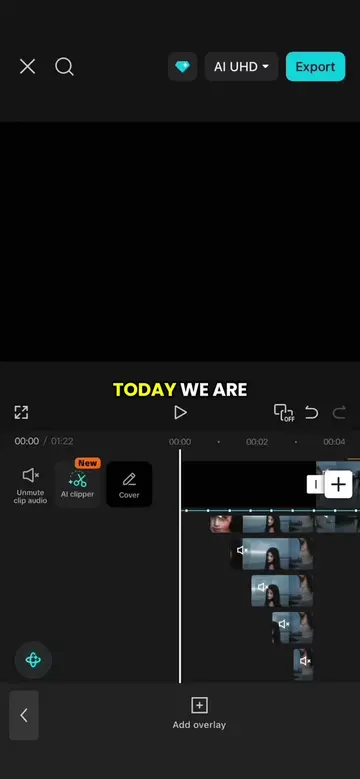
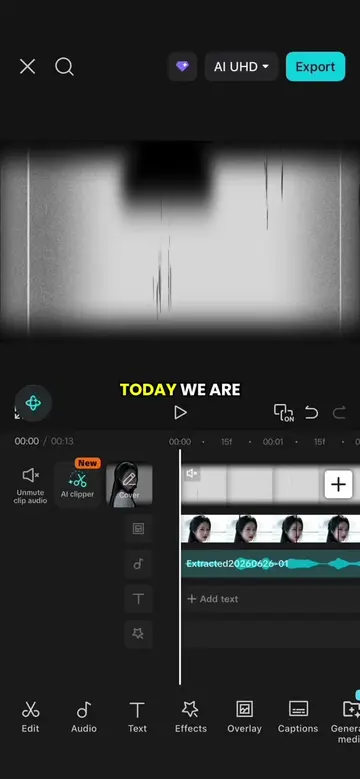
This video demonstrates how to create a text following character intro effect using CapCut. It covers adding keyframes, using masks, and animating text and character stickers to achieve the desired effect.
Structure
- 1Introduce the problem of character movement in editing
- 2Demonstrate adding keyframes to enable movement
- 3Add text and background elements
- 4Add and animate a character sticker
- 5Apply masks to synchronize text and character movement
- 6Conclude with the final effect
Product placement
CapCut: video editing software. It ACTS as the tool used to create the video. Removing it would change what happens in the video.
Original caption
Episode 1 | Text following character intro effect #capcutpioneer #tiktoktips #capcuttutorial #CapCut
More from @peachedit83
Their other posts in the index, biggest breakout first.