Loading video…
All breakouts
7.2Text-HeavyHow-To hookConsumer Apps
Hook
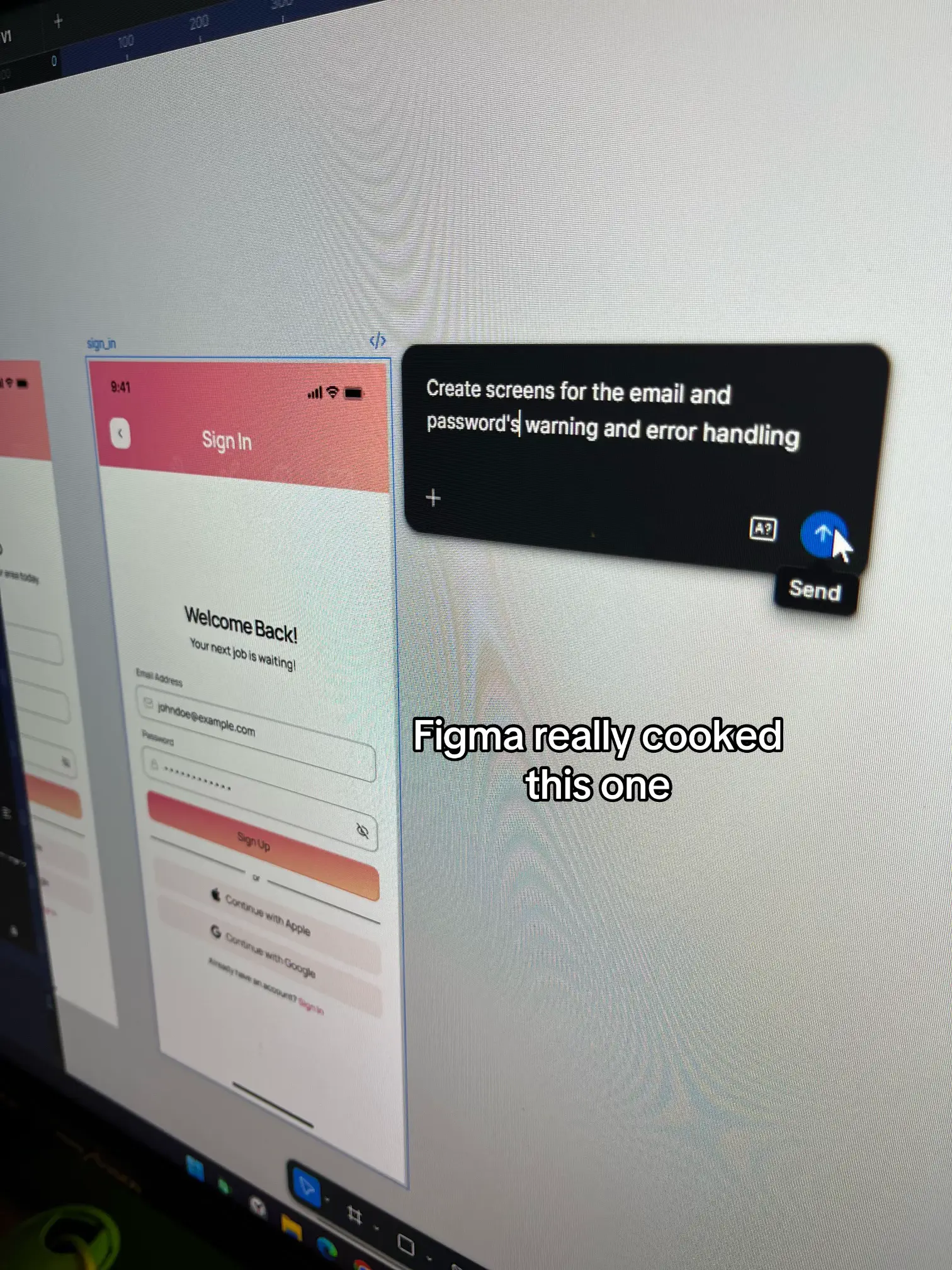
Create screens for the email and password's warning and error handling
@itsjasonpiano
4.0K followers · usually 3.8K views a post
Views
24.7K
Likes
1.7K
Comments
9
Shares
96
Why it worked
The video effectively demonstrates a practical design workflow within a popular tool, appealing to UI/UX designers and those interested in AI-assisted design by showcasing a specific application of AI in a familiar context.
Summary
The video showcases the process of designing email and password warning and error handling screens using Figma. It highlights Figma's ability to display all screen states simultaneously and its efficient refinement process, emphasizing that AI's effectiveness depends on the user.
Structure
- 1Introduce the task: designing error/warning screens
- 2Showcase Figma's capabilities for this task
- 3Demonstrate the design process and features like Auto Layout
- 4
Original caption
figma's brand positioning right now compared to other ai tools is seeing all screens/states all at once plus the speed of exploration and lesser time of refinement. Still, Ai is only as good as the pserson using it. #figma #figmadesign #uidesign
More from @itsjasonpiano
More breakout videos from this creator.
