Loading video…
All breakouts
21.2App DemoOther hookConsumer Apps
Hook
LOOK HERE !
@jio46683
404.9K followers · usually 12.1K views a post
Views
257.0K
Likes
12.0K
Comments
294
Shares
12.4K
Why it worked
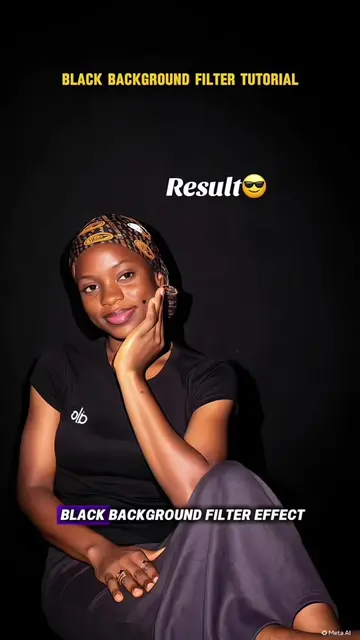
The video effectively uses a popular app (CapCut) and a trending aesthetic (cinematic photo editing) to provide a simple, actionable tutorial. The clear step-by-step instructions and visual demonstration make it easy for viewers to replicate the effect, driving engagement and shares.
Summary
This video demonstrates how to use the CapCut app to apply a cinematic filter to photos. It guides viewers through copying a video link, accessing CapCut, selecting a template, and uploading their own photo to achieve the desired effect.
Free accountLocked — create a free account to open
Transcript, structure and on-screen text
6 beats, a 64-word transcript and 17 lines of on-screen text — the parts you need to write your own version.
Original caption
cinematic photo edit on iphone cinematic photo edit on iphone tutorial cinematic photo edit on tiktok edit photo on iphone aesthetic how to take cinematic pictures iphone photography edits on iphone how to edit cinematic photo on iphone cinematic picture edit tutorial iphone cinematic videography how to edit photos to look cinematic #capcut #capcutpioneer
More from @jio46683
More breakout videos from this creator.