Loading video…
All breakouts
6.8Text-HeavyListicle hookAI Tools
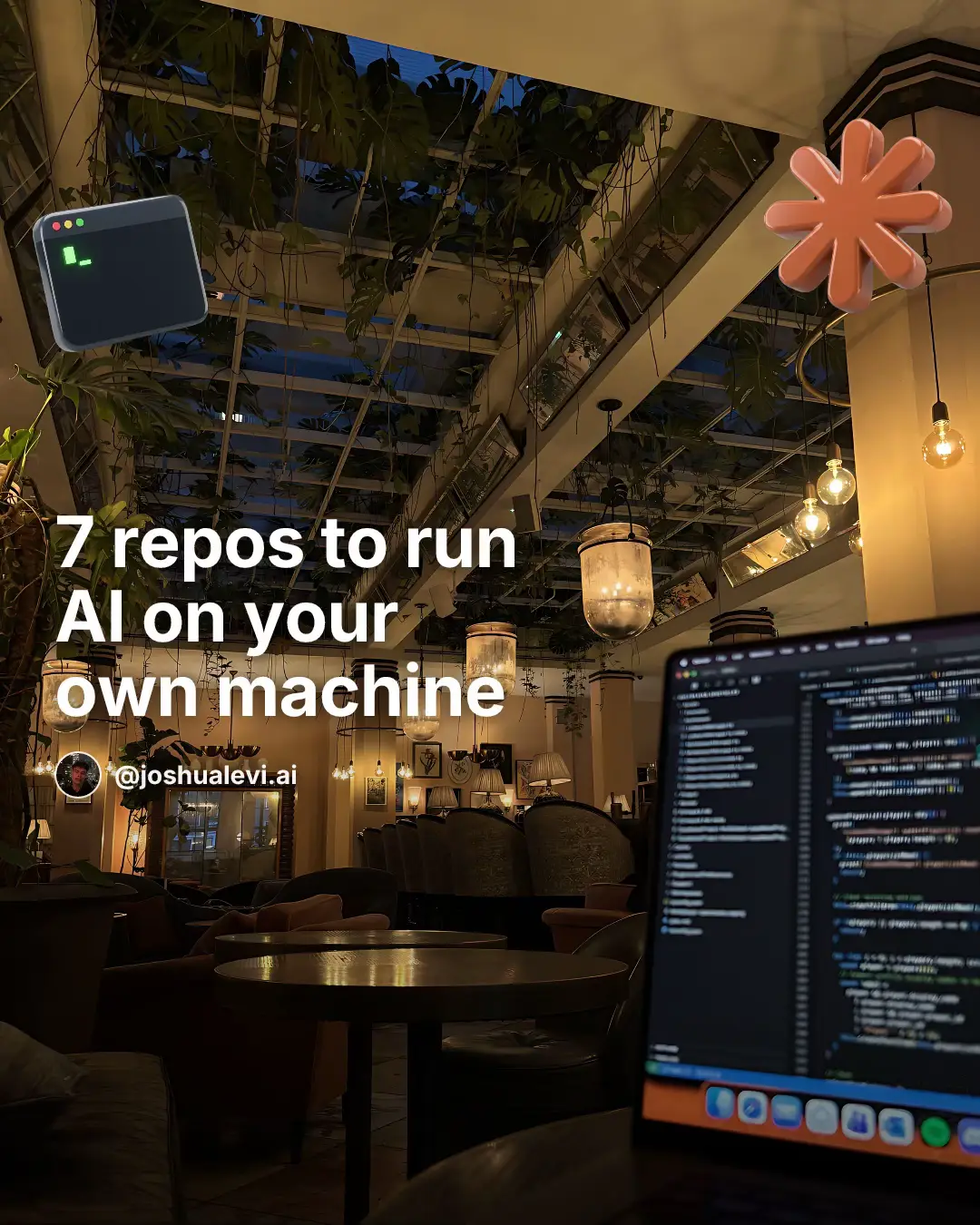
Hook
#1 ollama
@joshualevi.ai
4.2K followers · usually 9.1K views a post
Views
58.4K
Likes
2.9K
Comments
17
Shares
279
Promoted product
ollama
Why it worked
The post effectively taps into the growing interest in local AI and data privacy by providing a curated list of practical, open-source tools. The clear, concise descriptions and the emphasis on user control make it highly shareable and valuable for developers and AI enthusiasts.
Summary
This slideshow presents seven open-source repositories that allow users to run AI models locally on their own machines. It details each tool's function, from running various models with a single command to providing user-friendly interfaces and high-throughput serving engines, emphasizing data privacy and offline capabilities.
Structure
- 1Introduction to running AI locally
- 2Showcase of 7 AI repositories
- 3Details on each repository's function
- 4Emphasis on local control and privacy
- 5Call to save for future builds
Product placement
ollama (ACTS - runs AI models locally, its interface is operated via command line and described as a way to get models running; removing it changes what happens in the video), llama.cpp (ACTS - runs AI models locally, described as the engine for local AI inference; removing it changes what happens in the video), open-webui (ACTS - provides a ChatGPT-style interface for local models, described as running fully offline; removing it changes what happens in the video), vllm (ACTS - a serving engine for AI models, described as providing high-throughput inference; removing it changes what happens in the video), jan (ACTS - an offline ChatGPT alternative desktop app, described as allowing users to chat without an account or cloud; removing it changes what happens in the video), exo (ACTS - splits big models across devices to run as one AI cluster, described as turning devices into an AI cluster; removing it changes what happens in the video), LocalAI (ACTS - a drop-in replacement for the OpenAI API that runs on own hardware, described as working with existing apps without code changes; removing it changes what happens in the video), joshualevi.ai (APPEARS - creator's handle, removing it does not change what happens in the video), joshualevi.nl (APPEARS - creator's bio link, removing it does not change what happens in the video)
Original caption
Save this for your next build. 1. ollama: run Llama, Mistral, Gemma and hundreds of models with one command 2. llama.cpp: the engine that started local AI, runs on ordinary hardware 3. open-webui: a ChatGPT-style interface for your local models, fully offline 4. vllm: high-throughput serving when it gets serious, built for production 5. jan: an offline ChatGPT alternative as a clean desktop app, no account 6. exo: split big models across your MacBook, iPhone and iPad as one cluster 7. LocalAI: a drop-in OpenAI API replacement on your own hardware, no API bill Which one are you running first? #ai #coding #aitools #claude #claudecode
More from @joshualevi.ai
More breakout videos from this creator.