Loading video…
All breakouts
6.0Talking HeadHow-To hookConsumer Apps
Hook
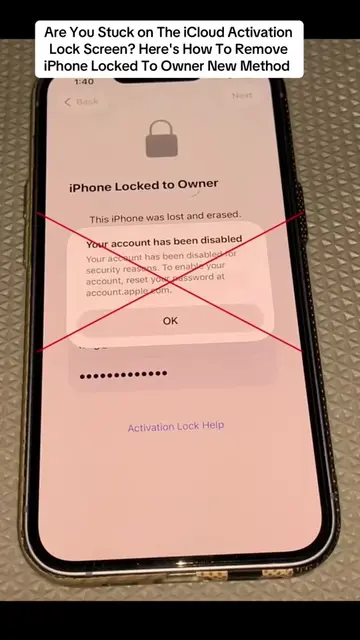
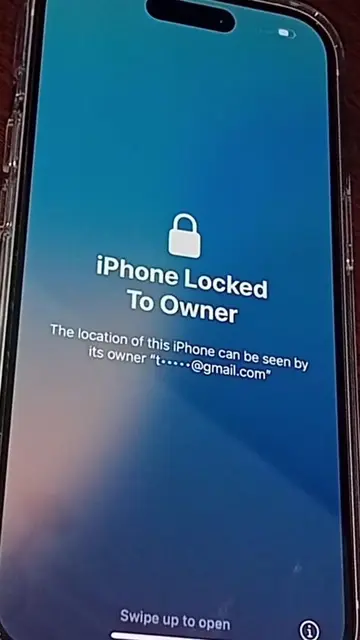
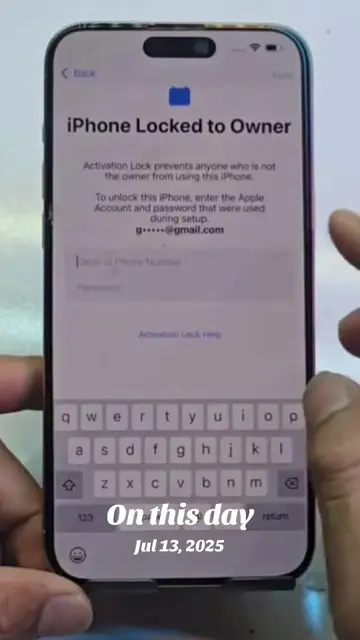
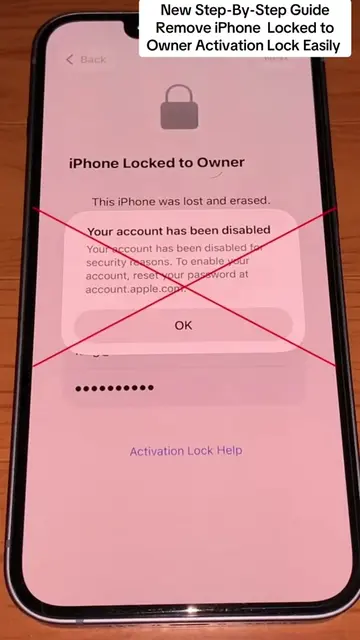
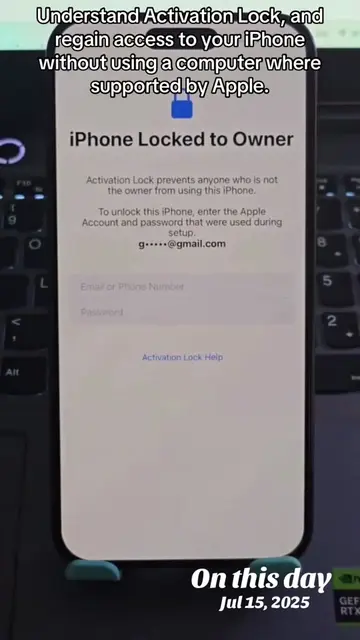
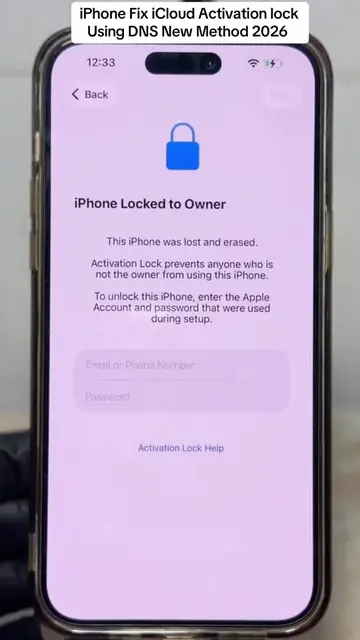
"Activation Lock"? In this latest 2026 Update, learn what this message means and discover the official methods to recover access to your iPhone safely.
@johntechunlocks
36.0K followers · usually 7.9K views a post
Views
47.5K
Likes
962
Comments
29
Shares
93
Why it worked
The video provides a clear, step-by-step walkthrough of the iPhone setup process, which is a common and relatable experience for many users. The visual demonstration of each screen and interaction makes it easy to follow and understand, potentially appealing to a broad audience interested in new iPhones or troubleshooting setup issues.
Summary
The video demonstrates the process of setting up an iPhone, including selecting a language, country, and Wi-Fi network. It shows the user entering a password, navigating through various settings like Face ID, Screen Time, and Location Services, and ultimately reaching the home screen.
Structure
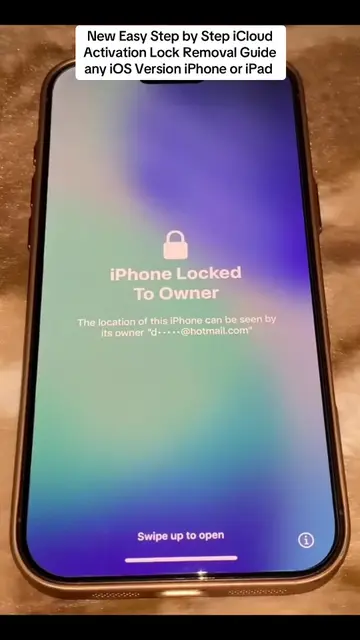
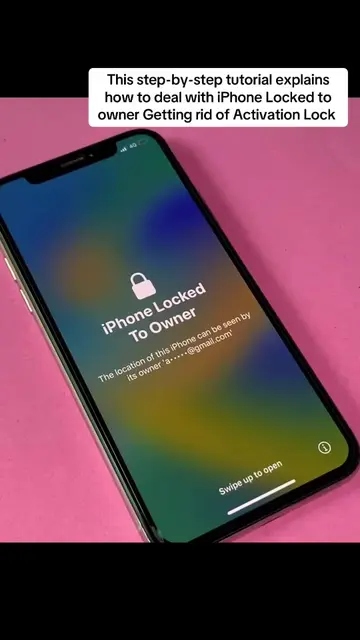
- 1iPhone locked screen with "iPhone Locked To Owner" message
- 2Language selection screen
- 3Country or region selection
- 4Wi-Fi network selection
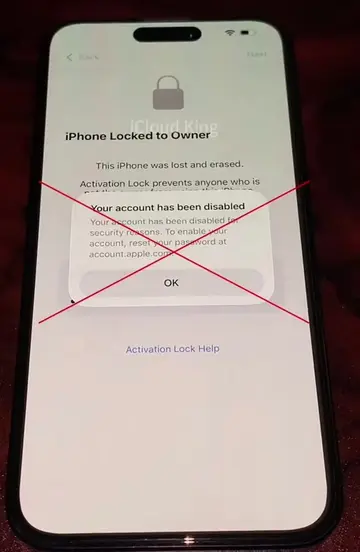
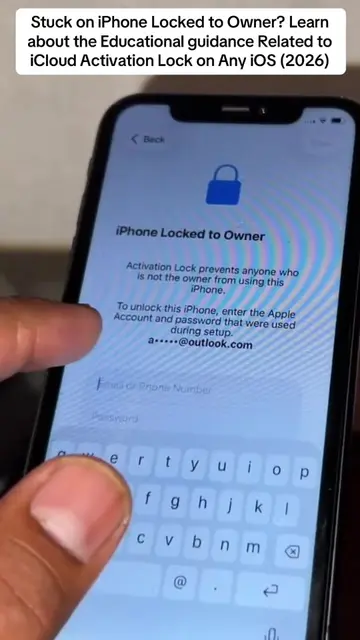
- 5Password entry attempt
- 6Data and Privacy screen
- 7Face ID setup
- 8Passcode creation
- 9
Original caption
"Activation Lock"? In this latest 2026 Update, learn what this message means and discover the official methods to recover access to your iPhone safely. #iphonelockedtoowner #activationlock #activationlockremoval #tiktok
More from @johntechunlocks
More breakout videos from this creator.