Loading video…
All breakouts
14.6Talking HeadProblem Callout hookLifestyle
Hook
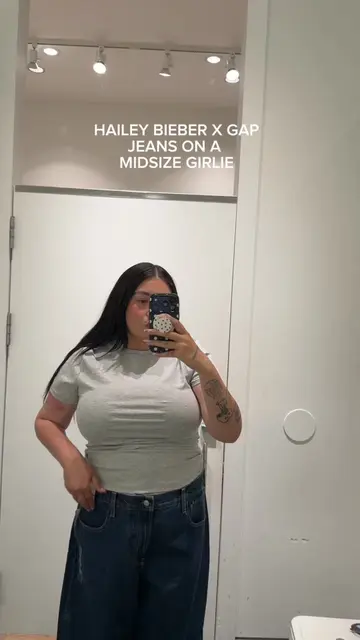
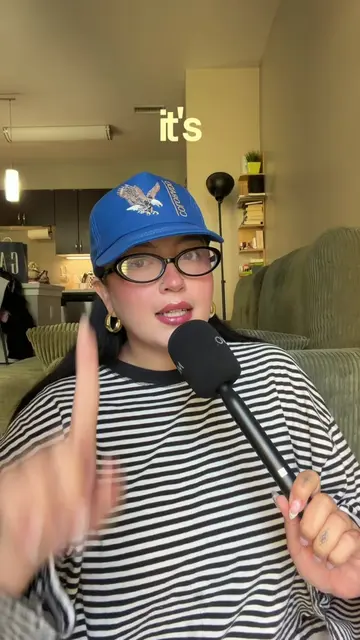
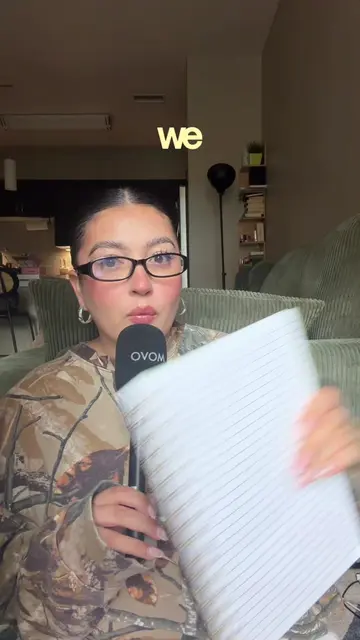
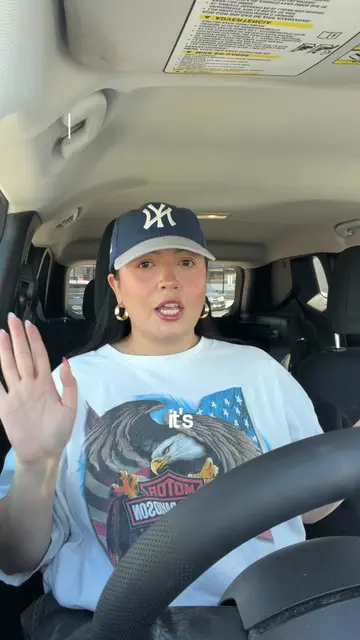
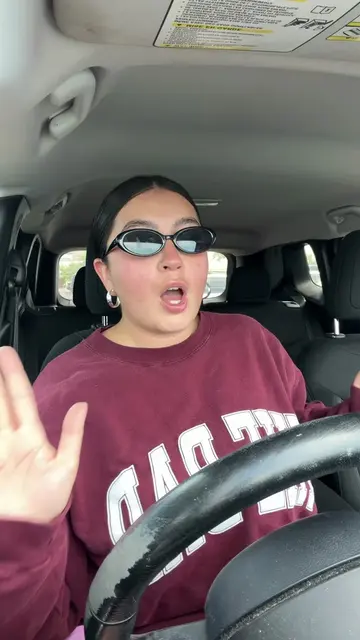
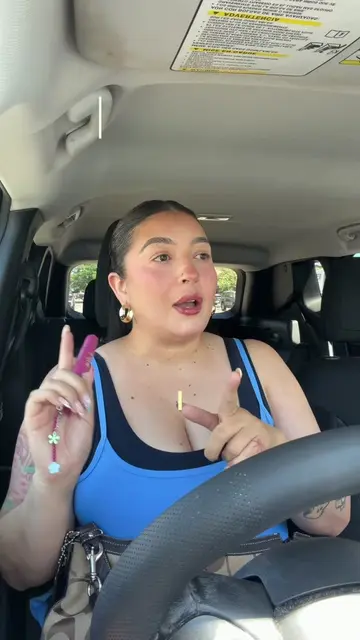
It's come to my attention that the girlies aren't fully aware of all of the CapCut
@anavasqterps
30.3K followers · usually 2.4K views a post
Views
35.5K
Likes
4.3K
Comments
267
Shares
233
Why it worked
The video provides a practical, step-by-step tutorial on a common pain point for video creators: customizing captions. By focusing on a specific, widely-used editing app (CapCut) and offering clear, actionable advice, it appeals to a broad audience looking to improve their content.
Summary
The creator demonstrates how to customize captions in CapCut, showing how to highlight specific words, change fonts, colors, and add effects. This tutorial aims to make video editing easier and captions more engaging.
Free accountLocked — create a free account to open
Transcript, structure and on-screen text
5 beats, a 288-word transcript and 59 lines of on-screen text — the parts you need to write your own version.
Original caption
these are caption settings i use in almost every video!!!! ✂️📽️🤳 welcome back to another episode of capcutting corners because gatekeeping editing tips feels weird!!! #capcuttingcorners #capcutedit #editingtutorial #denverinfluencer #denvercontentcreator @CapCut
More from @anavasqterps
More breakout videos from this creator.