Loading video…
All breakouts
 CapCutseen in 576 videos →
12.5Text-HeavyStory Open hook
Hook
APART
@charil158
1.6K followers · usually 2.0K views a post
Views
24.6K
Likes
495
Comments
3
Shares
23
Selling · Other Product
Why it worked
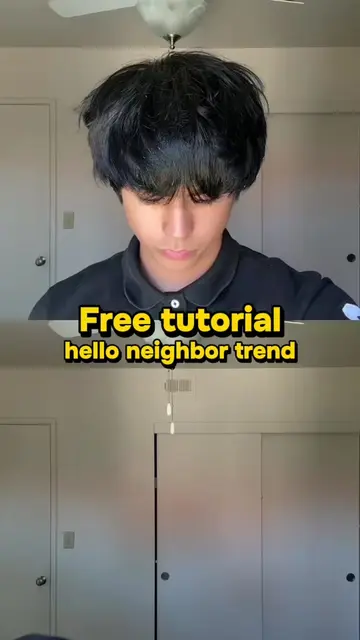
The video leverages a popular and recognizable TikTok trend, "Greg Heffley singing," making it highly relevant and shareable. It also provides a clear, step-by-step tutorial using a widely accessible editing app (CapCut), lowering the barrier to entry for users wanting to participate.
Summary
This video provides a tutorial on how to create the viral "Greg Heffley singing" trend using CapCut. It guides viewers through copying a video link, finding the template on the creator's profile, and uploading their own photo to complete the effect.
Structure
- 1Introduce the trend and its source material.
- 2Explain how to find and use the CapCut template.
- 3Instruct on uploading a photo to create the effect.
- 4Conclude with the ease of the process.
Product placement
Diary of a Wimpy Kid: It ACTS as the source material for the trend. Removing it would change the context of the video. CapCut: It ACTS as the video editing software used to create the trend. Removing it would change the video's outcome.
Call to action
Go to my profile and click then tap use template. Select the red button, choose the blue button. Upload a photo, tap next and you're done.
Original caption
🔥🔥how to sing like greg heffley📈 greg heffley singing🎙️ total eclipse of the heart greg heffley greg heffley total eclipse of the heart diary of a wimpy kid singing song name greg heffley singing scene greg heffley singing trend greg heffley singing original greg heffley singing scene rodrick crying rodrick crying greg singing greg heffley song name tiktok greg heffley singing rodrick reaction diary of a wimpy kid gregheffley singing tutorial greg heffley singing accuracy when my sister is singing but i know the lyrics too so i mog #gregheffleysinging #totaleclipseoftheheart #diaryofawimpykid #capcut #capcutpioneer
More from @charil158
Their other posts in the index, biggest breakout first.