Loading video…
All breakouts
13.4Talking HeadHow-To hookLifestyle
Hook
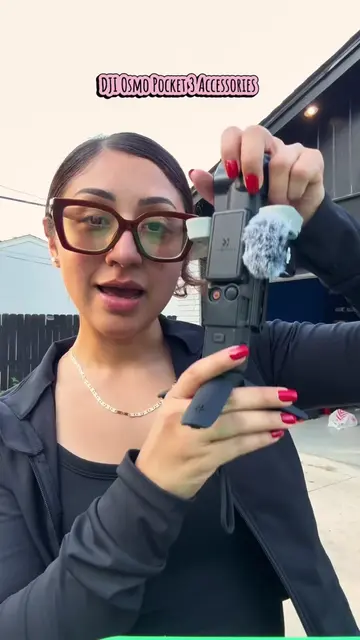
HOW TO: USE SELF-TIMER ON CANON G7X MARK III
@alanis.jocelyn
2.9K followers · usually 1.3K views a post
Views
20.5K
Likes
905
Comments
21
Shares
40
Why it worked
The video provides a clear, concise, and practical tutorial on a specific camera feature, addressing a common need for solo content creators. The use of on-screen text and direct demonstration makes it easy to follow.
Summary
This video demonstrates how to use the self-timer function on a Canon G7X Mark III camera. The creator walks viewers through the camera's menu settings to select the desired self-timer duration (2 or 10 seconds) and then shows how to take a photo using the feature.
Structure
- 1Introduction and problem statement
- 2Power on camera and access menu
- 3Navigate to drive mode settings
- 4
Original caption
How to use the self-timer feature on your Canon G7X Mark iii. Hope this helps 😁 #canon #canong7x #canong7xmarkiii #camera #tips
More from @alanis.jocelyn
More breakout videos from this creator.